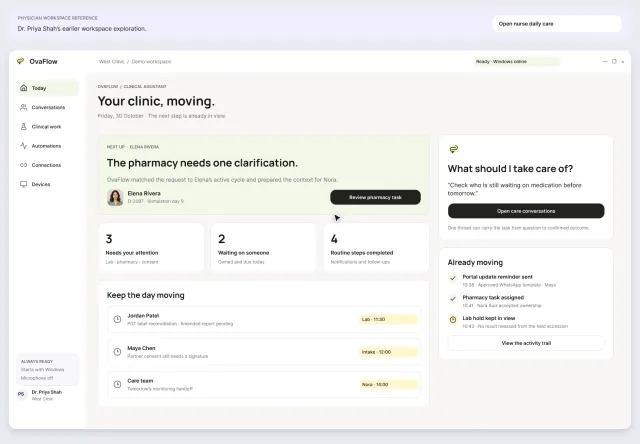
Daily care: a changed trigger, the wrong chart and an unknown outcome
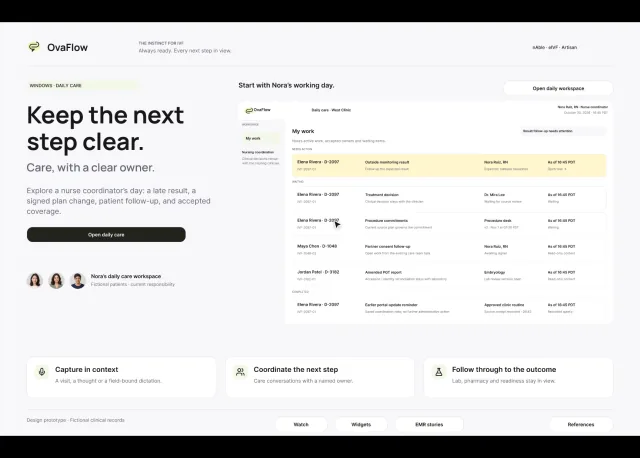
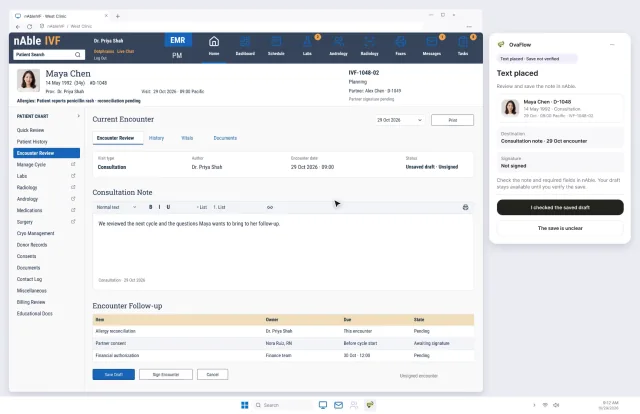
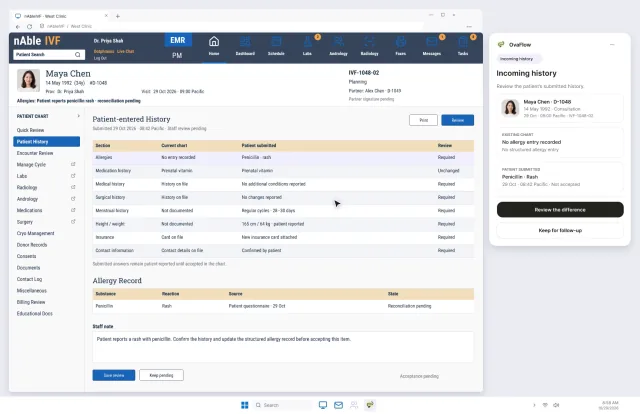
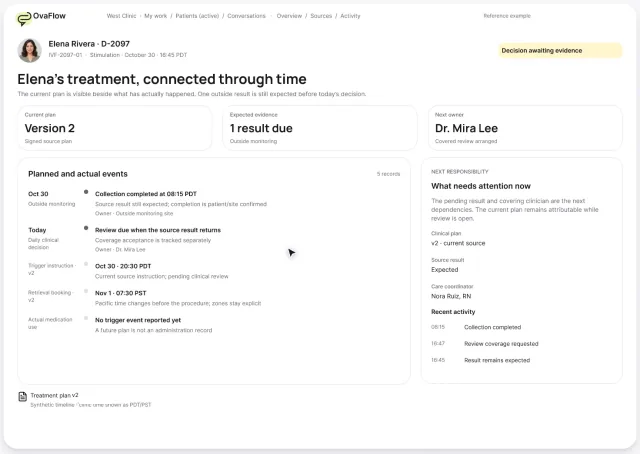
A late estradiol result, a newly signed trigger time, the wrong chart caught before publishing, and a lost confirmation checked rather than blindly resent.
Product preview · Fictional patient data
Demo library
29 short recordings of the OvaFlow design prototype: a changed trigger time, a wrong chart caught before anything is placed, a handoff that only moves once someone accepts it. Filter by your role, the stage of care or the device in your hand.
Daily care: a changed trigger, the wrong chart and an unknown outcome
Walkthroughs by main device
Each of the 29 walkthroughs is counted once, under the device it is recorded on. The Device filter also lists a walkthrough under a second device it shows, so there it finds Desktop 20 and Apple Watch 3. The 3 Patient app walkthroughs are recorded on iPhone and Presentation, so the strip counts them there.
How to read this library
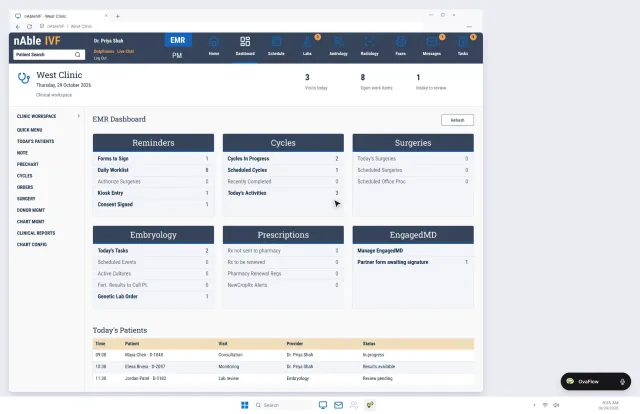
Every recording in this library tests the same core problem: keeping each patient's latest signed change, one accepted owner, and the verified next action in view beside the clinic's EMR [3, 6, 18, 19].
Library
Pick a role, a stage or a device. Each card plays a short preview on hover and opens a page with the full recording, chapters and a transcript you can follow along with.
Prototype walkthrough · Fictional patient dataEvery card is a recording of the design prototype with fictional patients and staff.
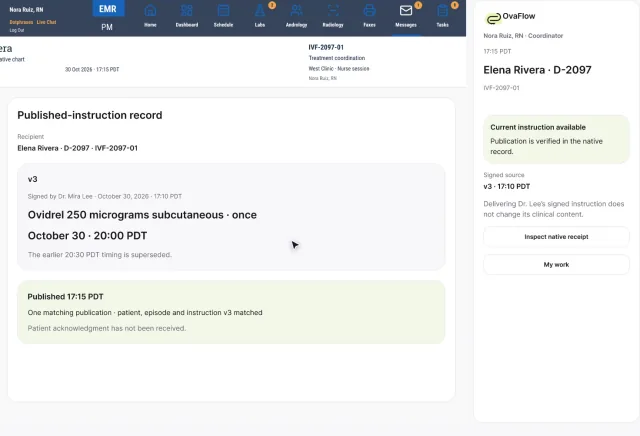
A late estradiol result, a newly signed trigger time, the wrong chart caught before publishing, and a lost confirmation checked rather than blindly resent.
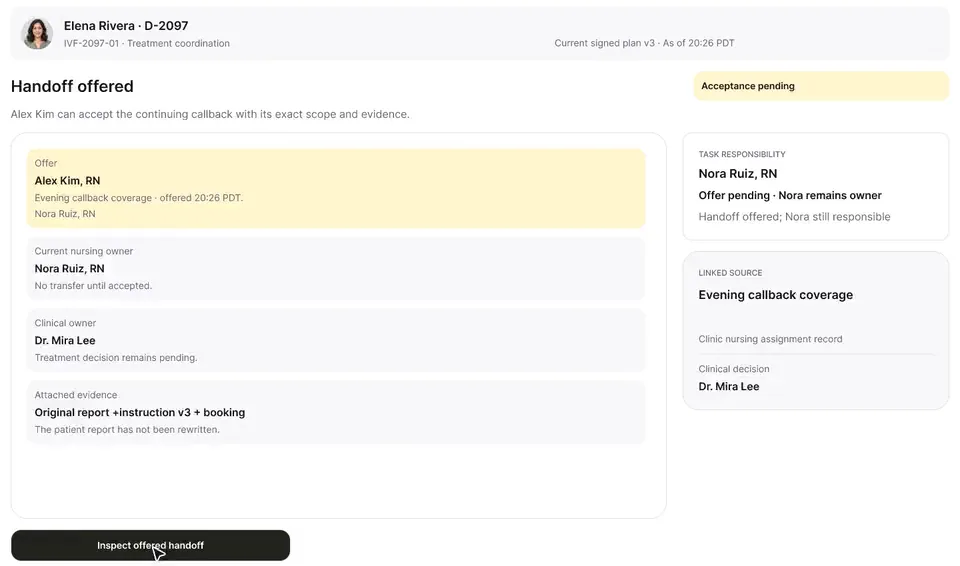
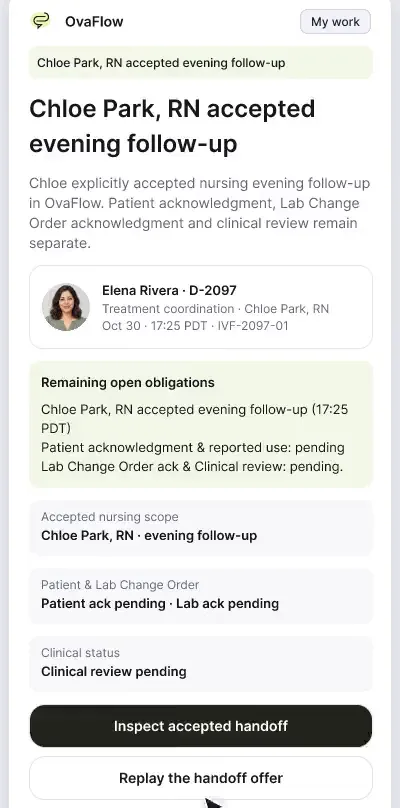
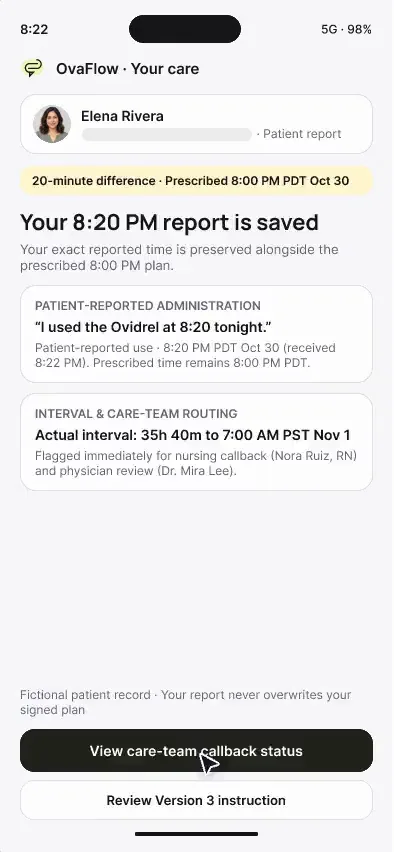
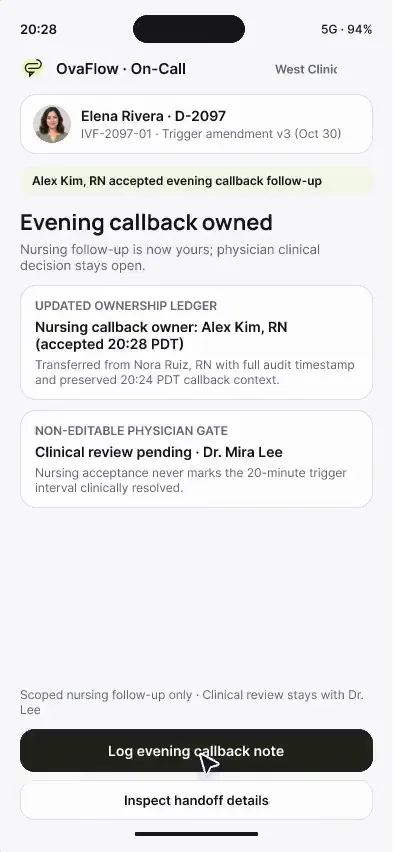
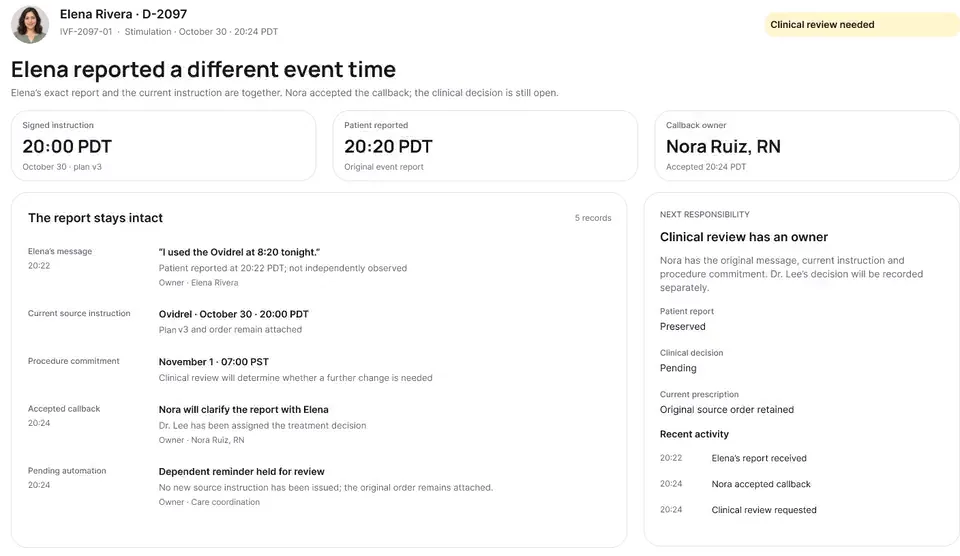
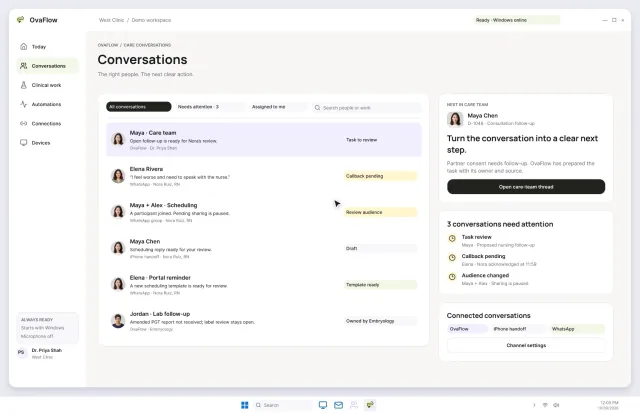
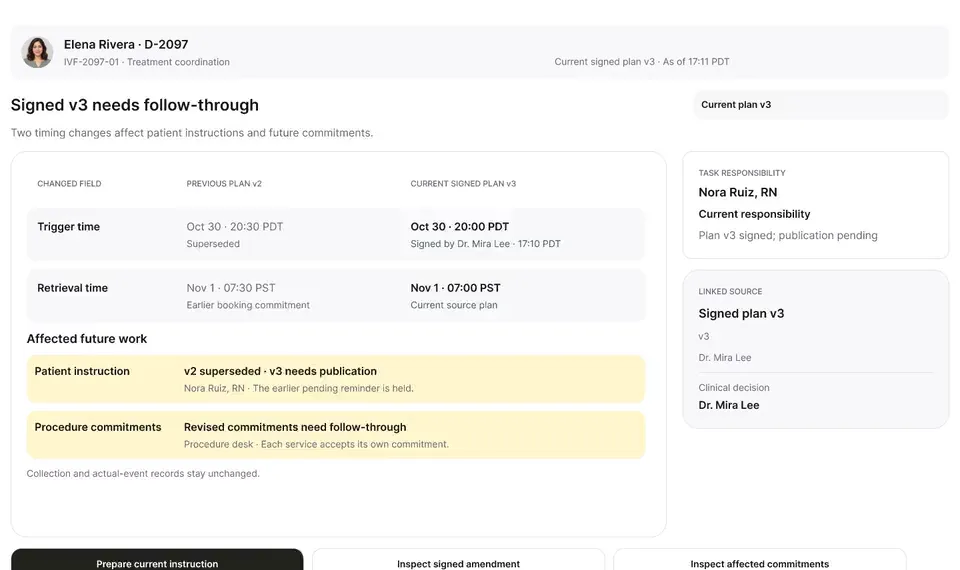
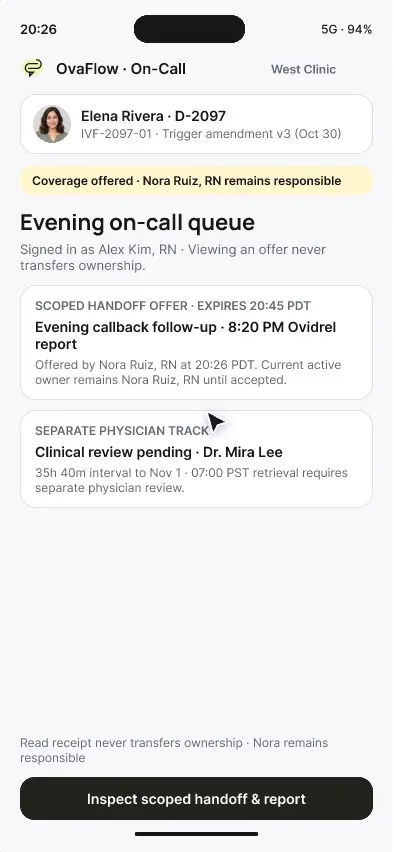
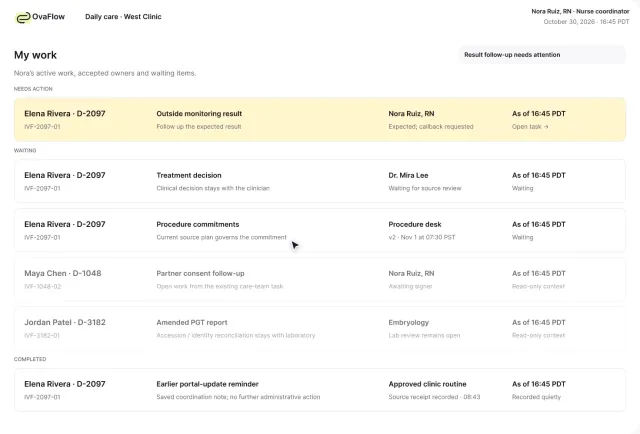
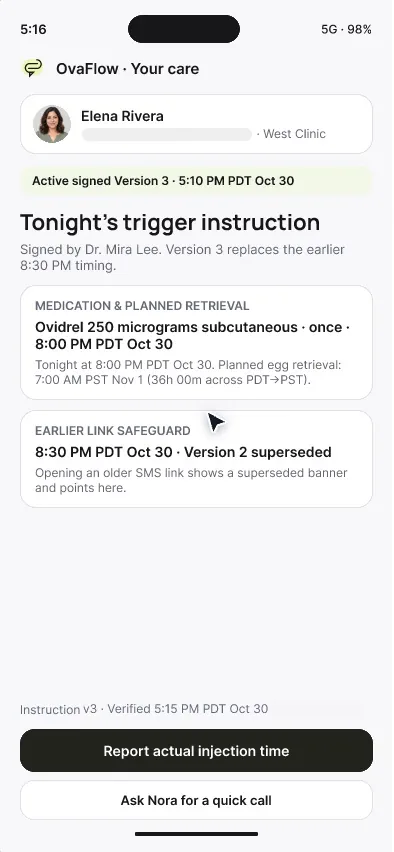
Elena says she injected at 8:20, not 8:00. Her words are kept as she said them, the signed instruction stays as signed, and the evening callback changes hands only when Alex accepts it.
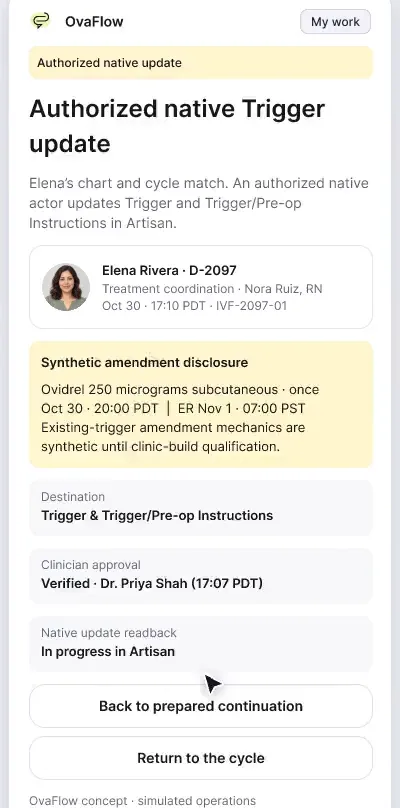
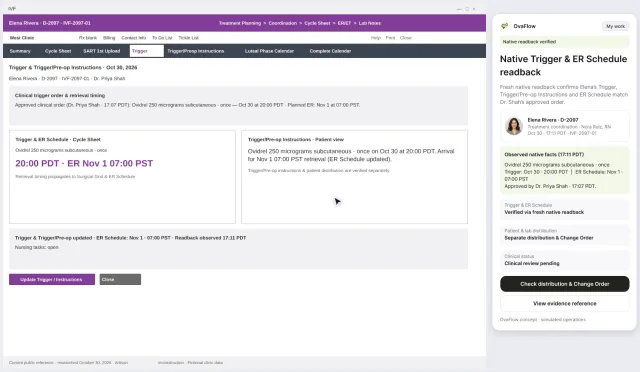
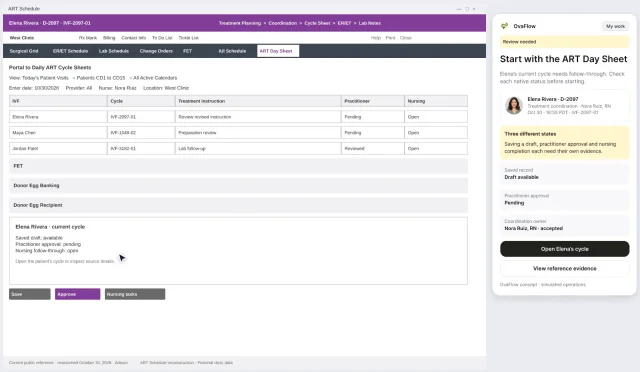
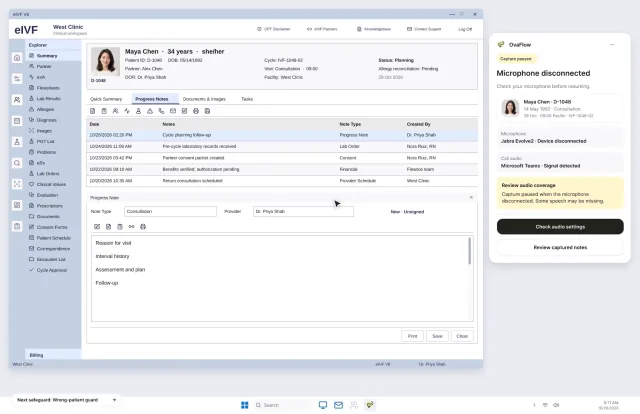
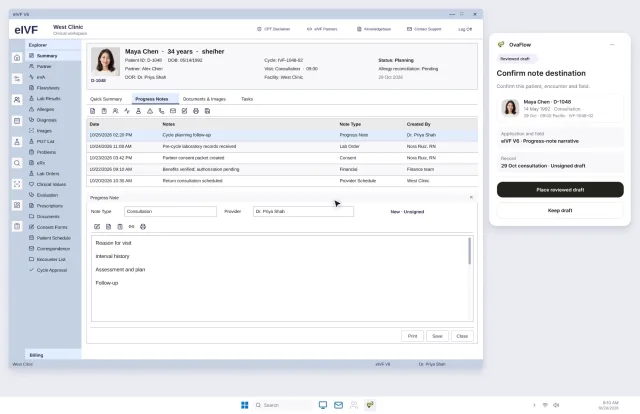
Beside a modeled Artisan view, the companion compares Dr. Priya Shah's approval with the unchanged Artisan fields, stops on Maya's open chart, and won't assume an update it didn't see.
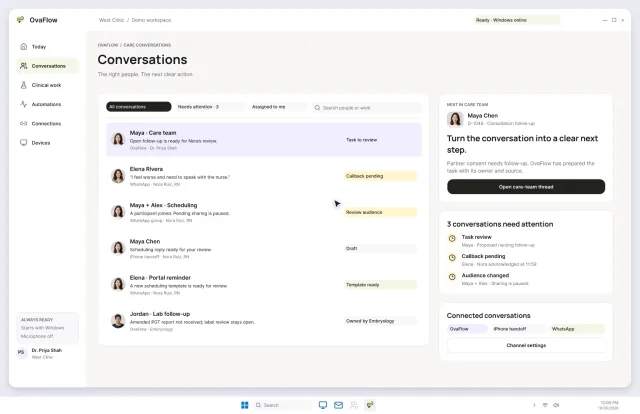
Saving a trigger doesn't tell the patient or the lab. Portal distribution, the lab change order and a message that was read but not accepted are each tracked separately.
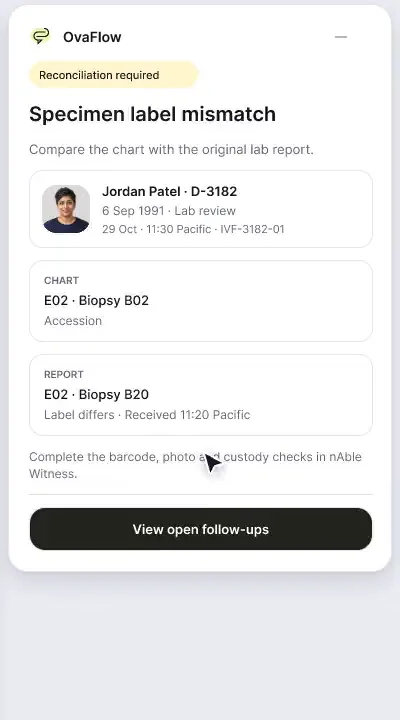
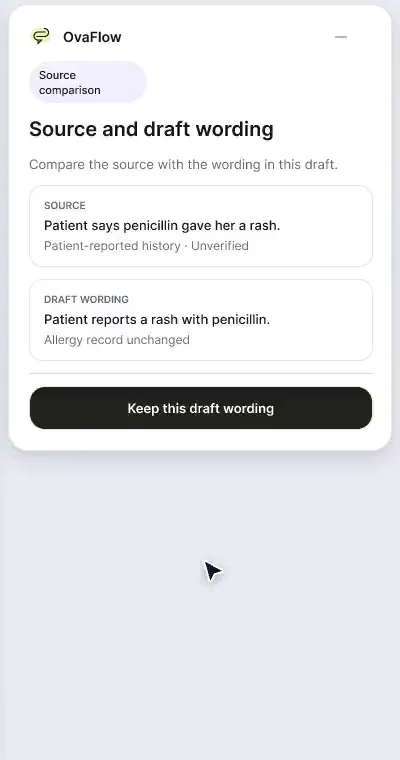
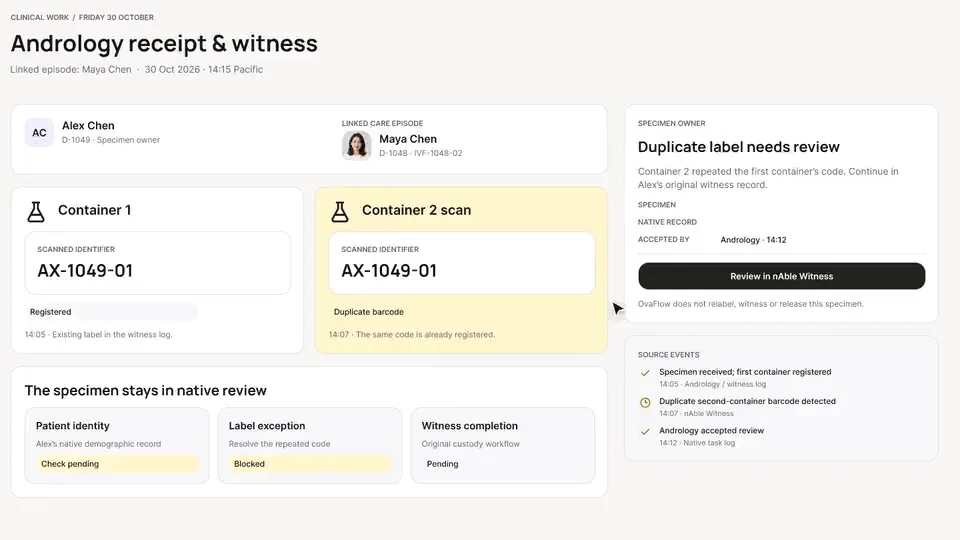
A patient-reported penicillin rash is surfaced against the chart, a monitoring note is confirmed saved rather than assumed, and a specimen label mismatch stops review.
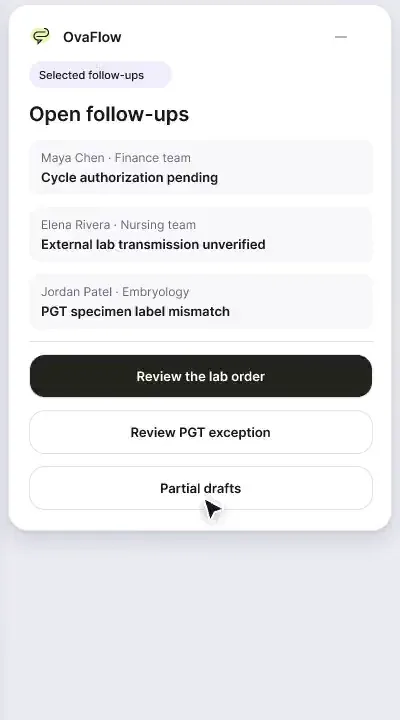
A note isn't done until it's saved, a cycle doesn't start with prior authorization unresolved, dose changes go to eIVF's own e-prescribing, and a PGT label mismatch stops the review.
A floating companion designed to dock away from Save buttons, stay out of keyboard focus, ask before listening, and let staff practice outside any chart.
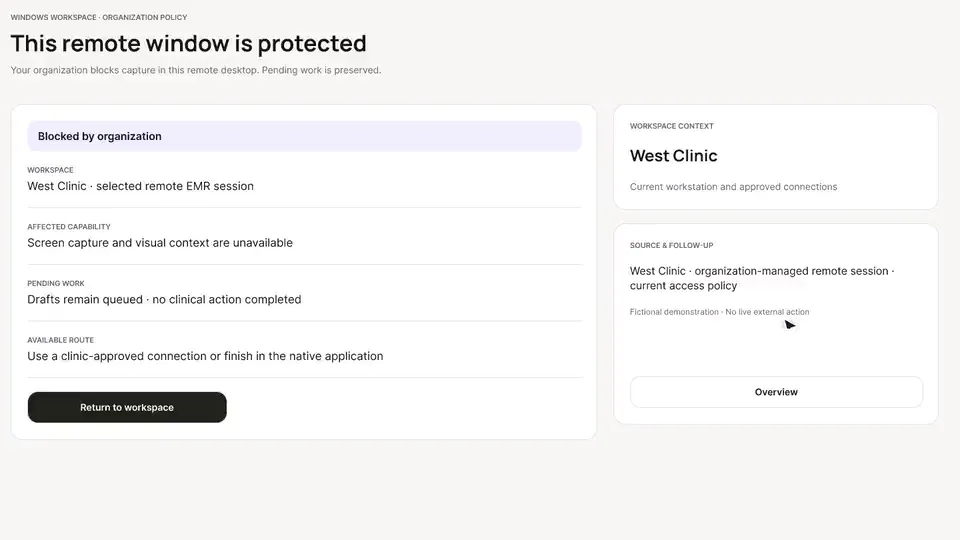
Fourteen designed recovery states, from an unplugged headset to a blocked remote-desktop clipboard, each keeping the draft and the right patient.
Routine follow-through runs under rules your team sets, pauses on request, and re-checks the open chart before it resumes.
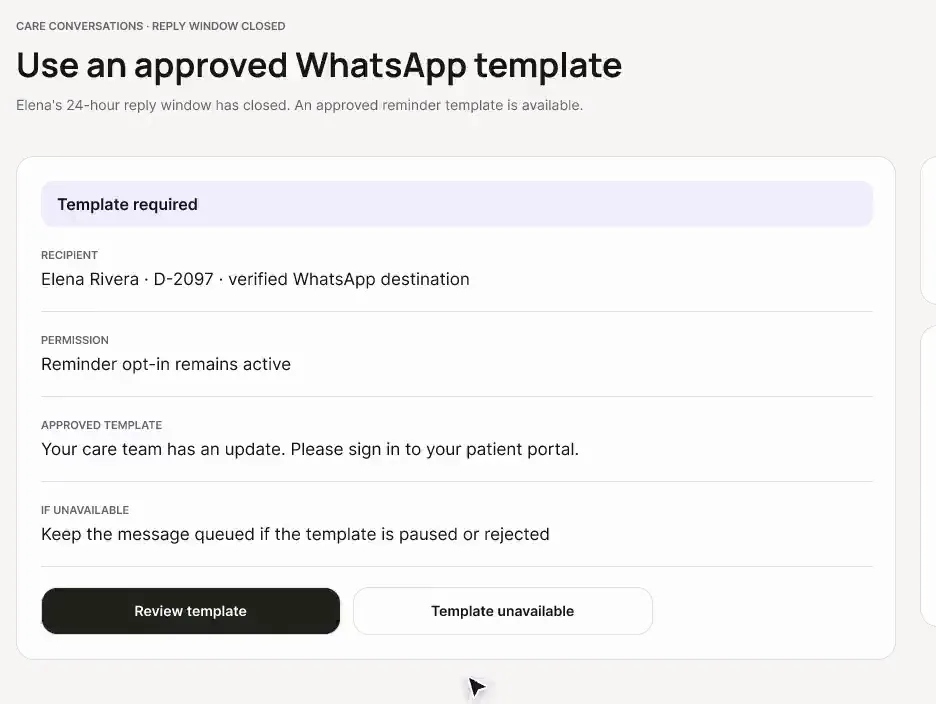
When someone new joins the thread just before a clinical update, the send pauses. Duplicate reminders are caught, and dose questions go to a nurse instead of an automated reply.
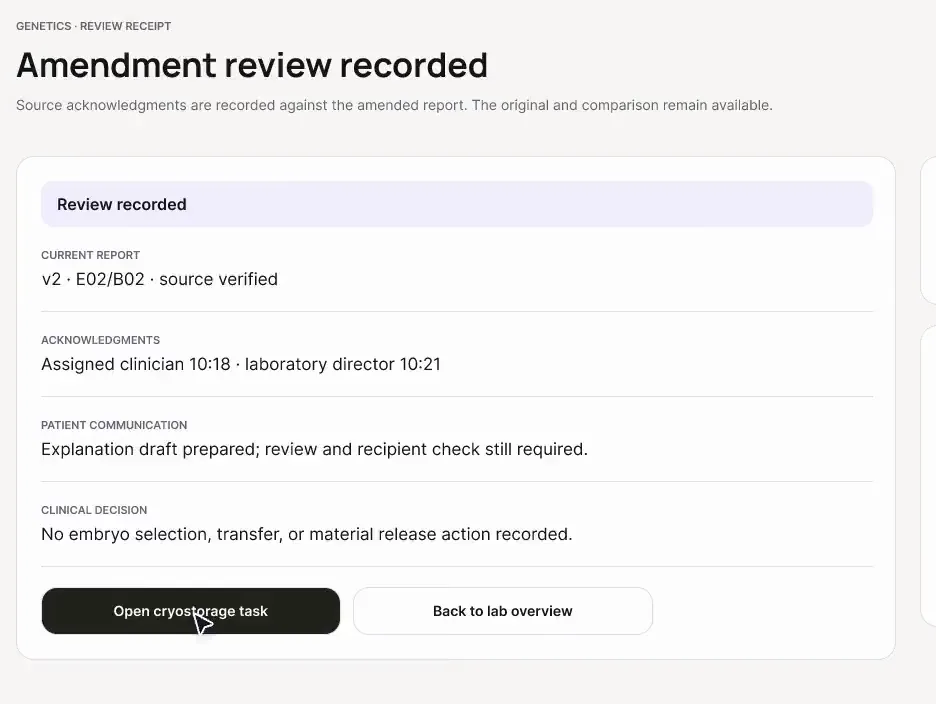
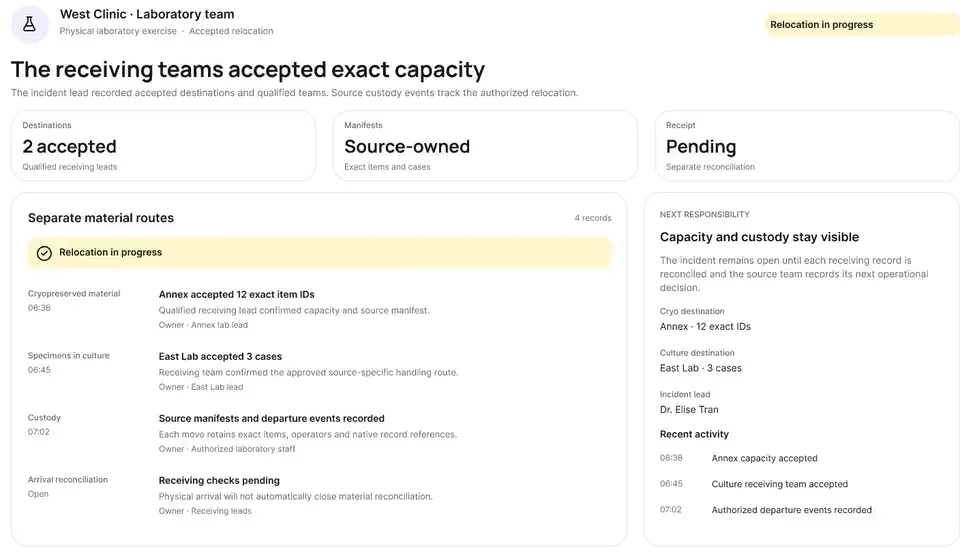
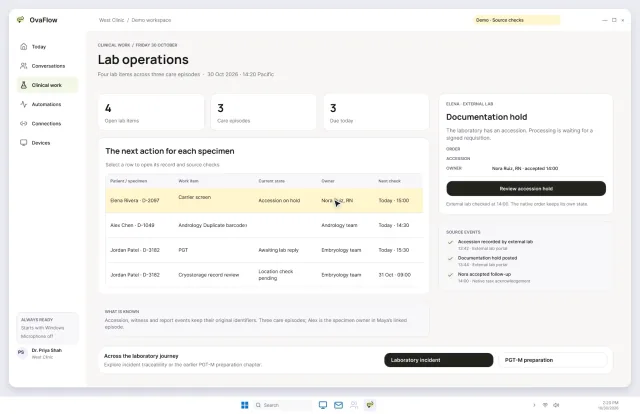
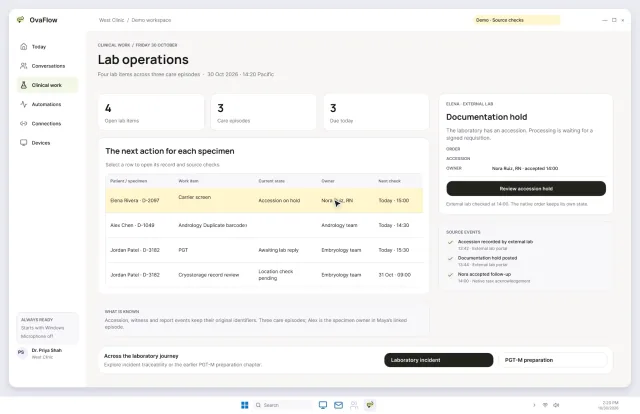
Accession holds, amended PGT reports, cryo tank signals and pharmacy change requests land in one queue, each with a named owner.
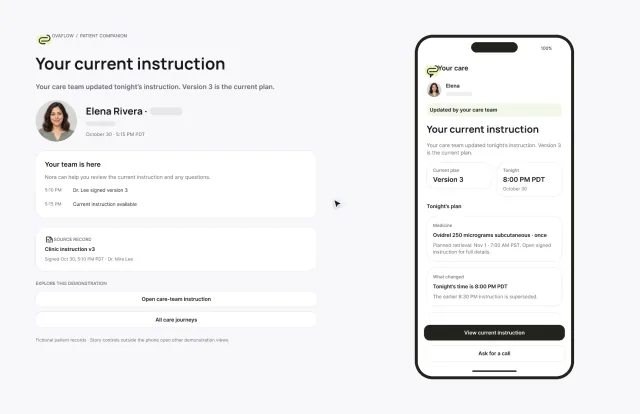
An old text link can't send Elena to a superseded injection time. Reporting a late dose is simple and honest, and urgent help is one tap away.
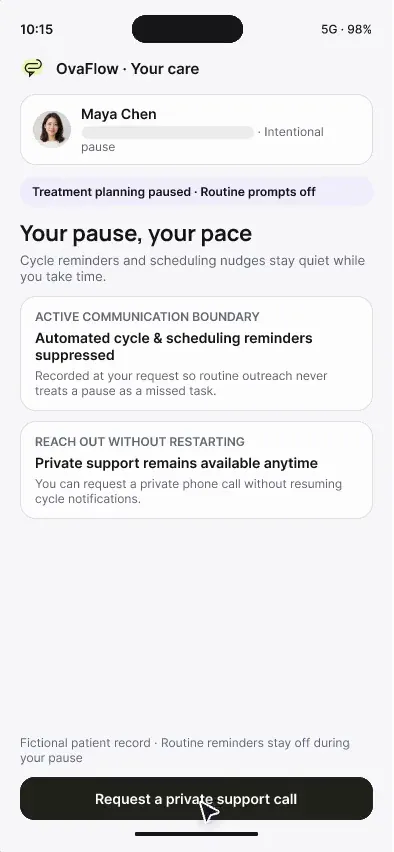
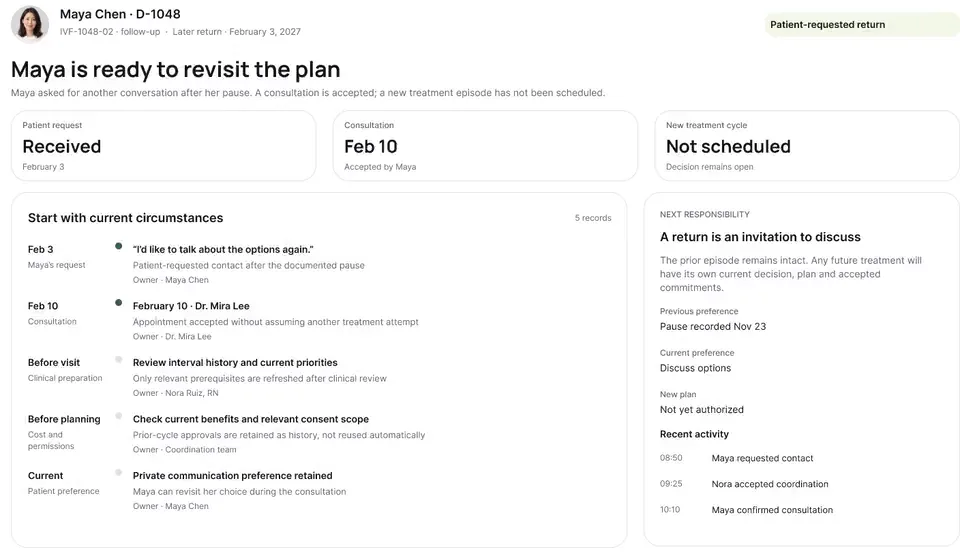
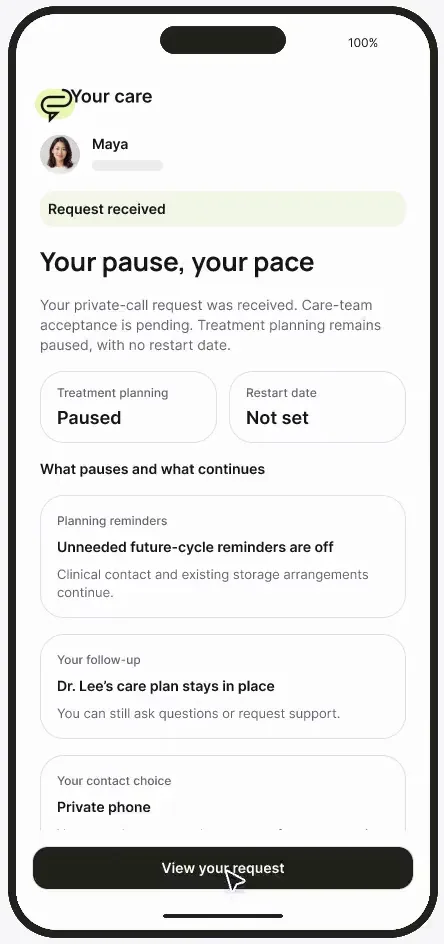
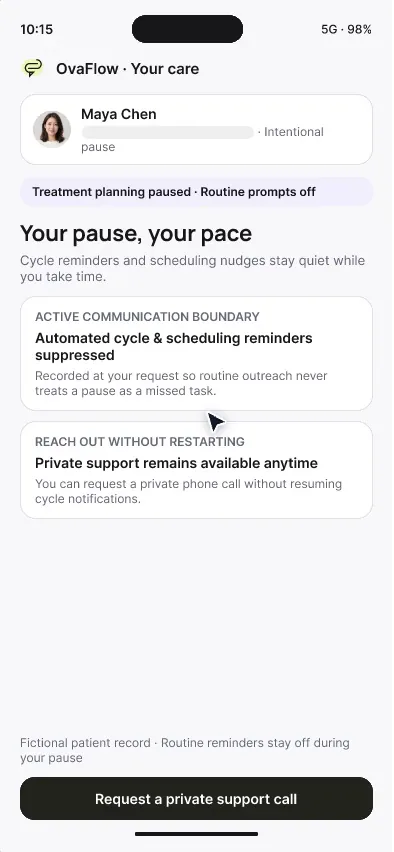
“Your pause, your pace”: routine reminders stop, and asking for a private call doesn't restart treatment.
On the on-call phone, seeing a handoff isn't accepting it, declining leaves the original nurse responsible, and the physician's decision stays with the physician.
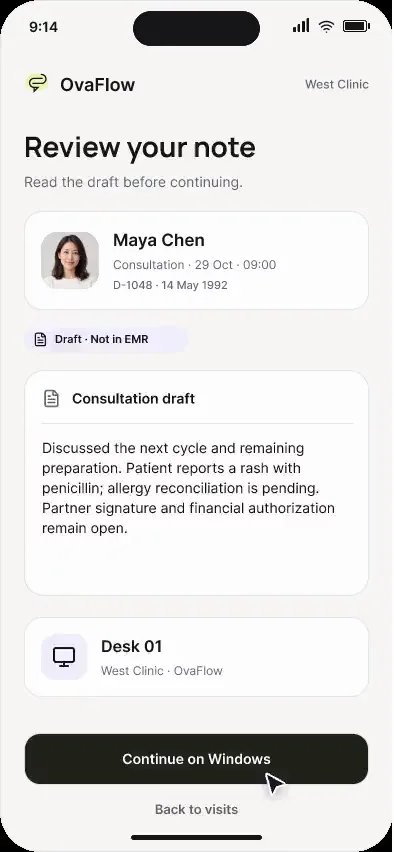
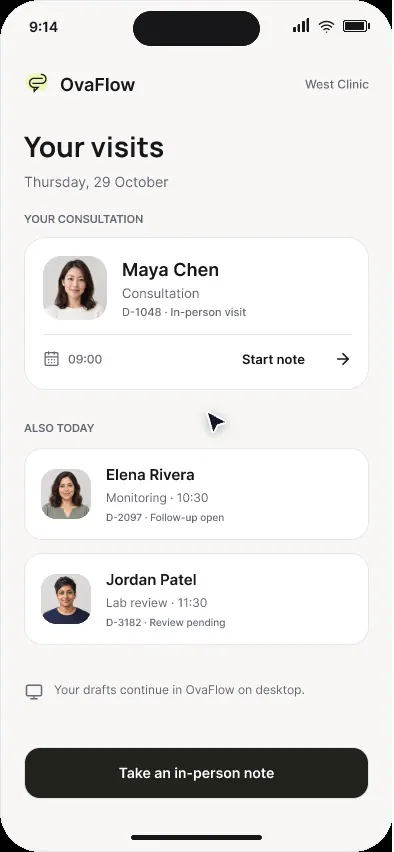
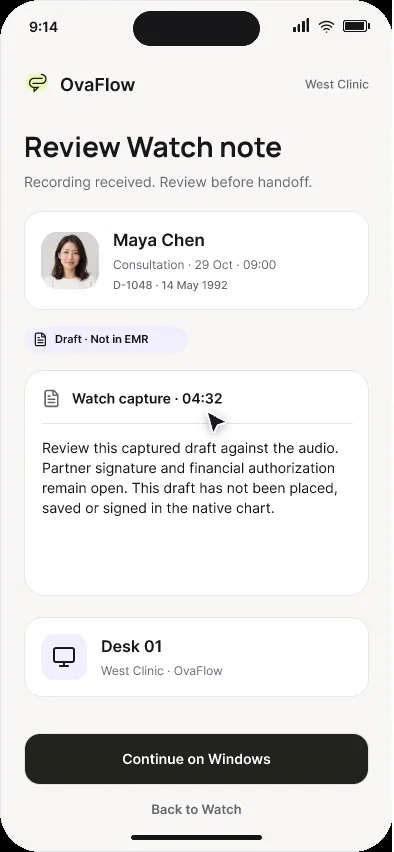
Confirm the patient and consent before the mic turns on, pause for the exam, and hand the draft to the desk even while the desk is offline.
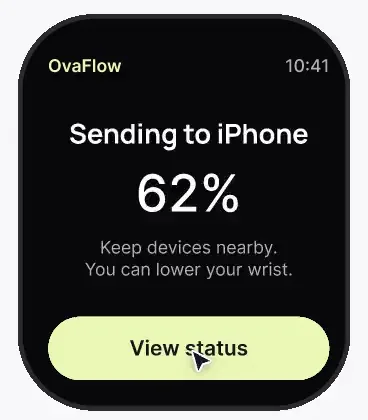
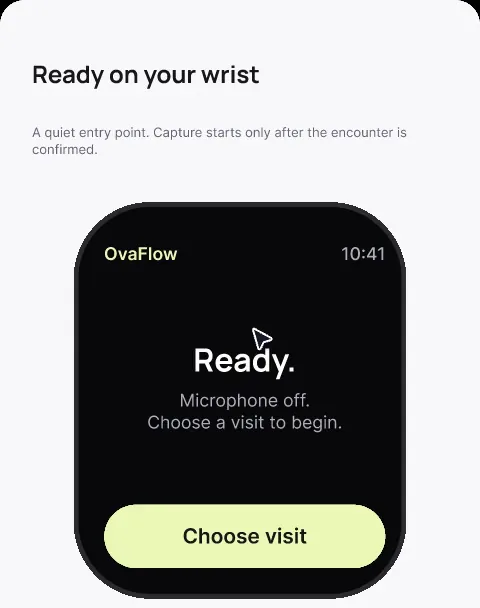
Between ultrasound rooms, a wrist note saves on the Watch first, says plainly where it is, and hides the patient's name when the wrist drops.
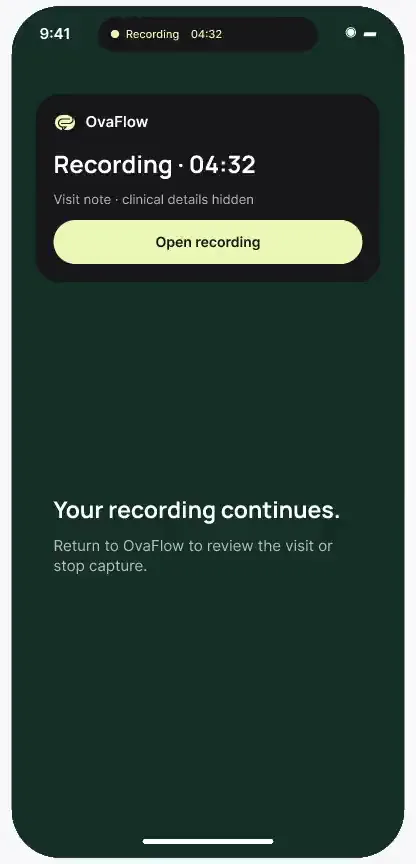
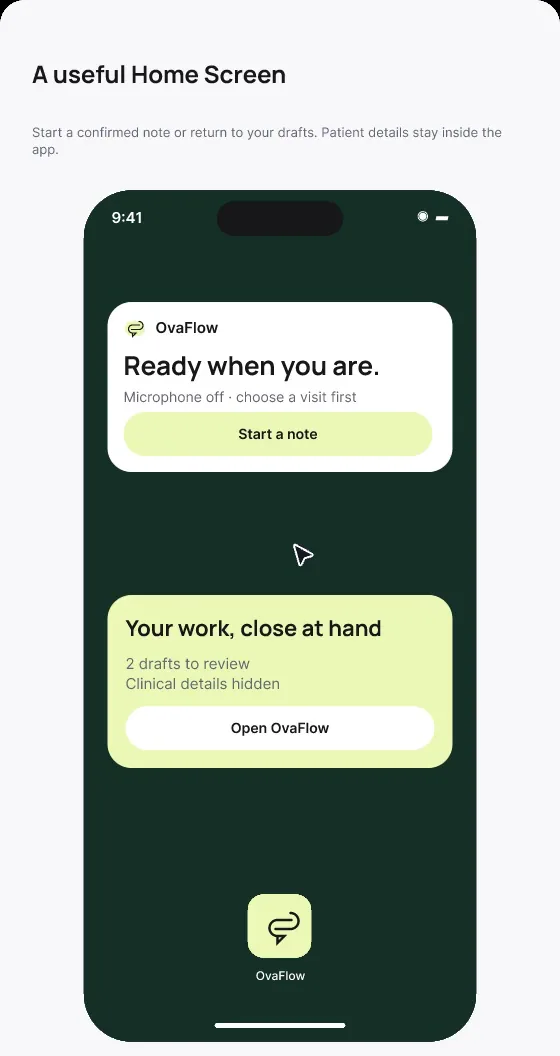
Counts at a glance on the Home Screen, no names on the Lock Screen, Face ID before details, and a recording indicator that stays visible.
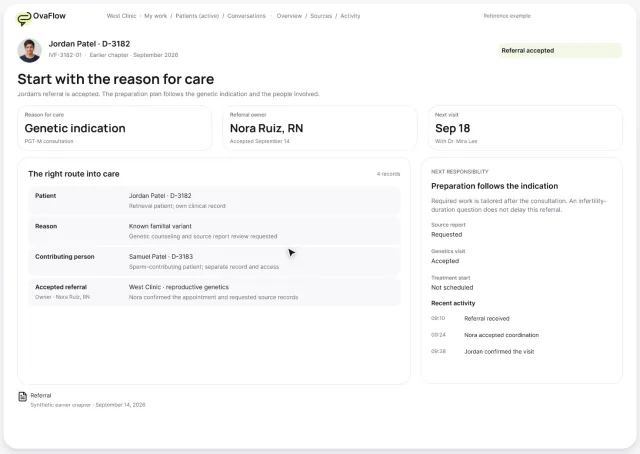
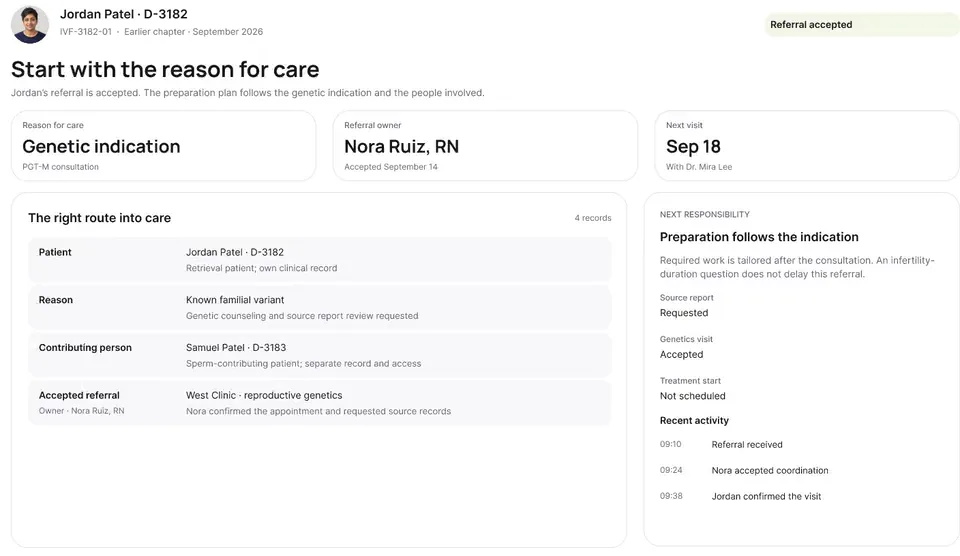
Two people's workups run in parallel, the sperm-source prerequisite is flagged early, and an oncology referral gets a retrieval window both teams accept.
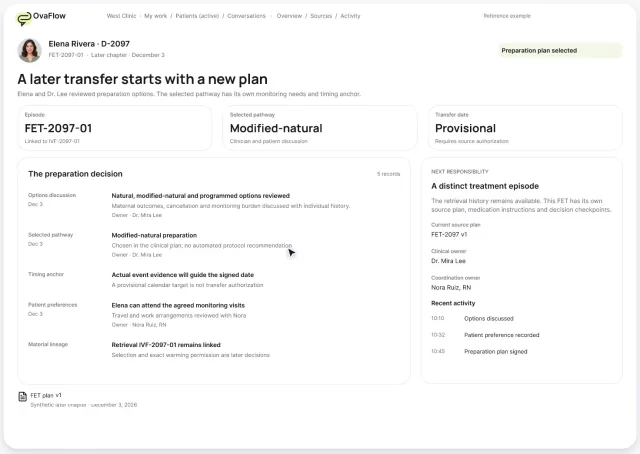
One signed change reaches instructions, the OR, anesthesia and the lab. Later an outside emergency visit for OHSS turns a planned fresh transfer into freeze-all.
Provisional dates stay provisional, a positive test isn't the finish line, a loss stops cheerful reminders, and OB graduation counts only when the OB accepts.
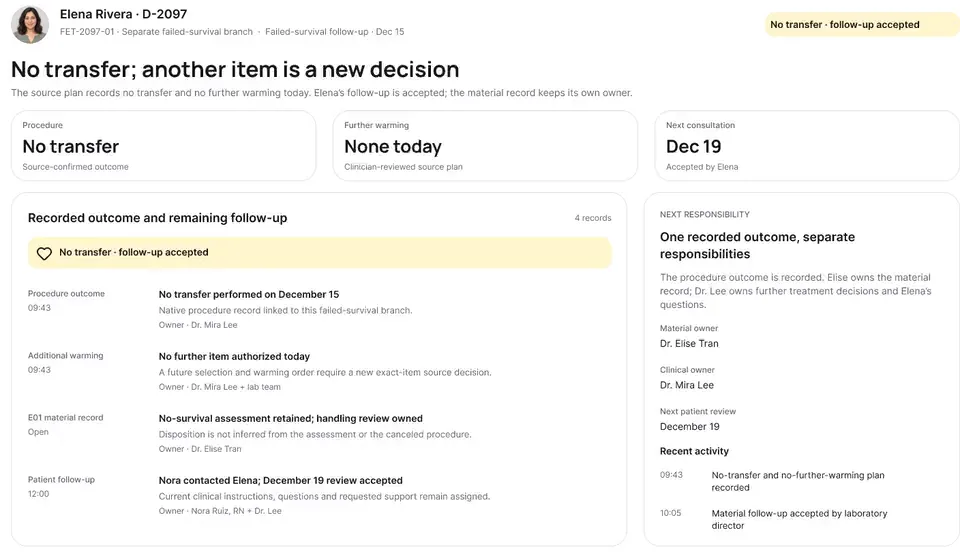
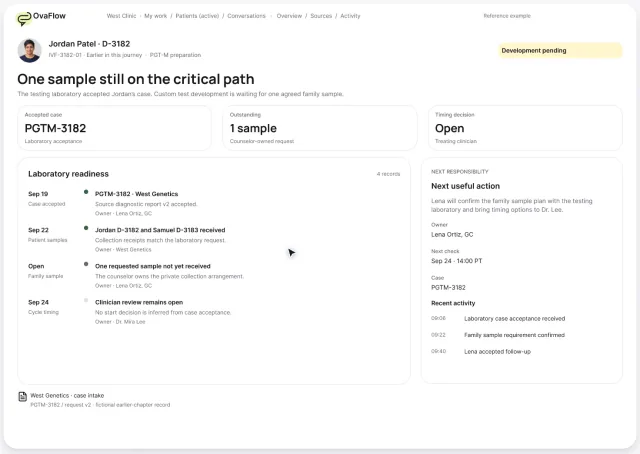
A missing family sample, a culture-media recall and an embryo that doesn't survive warming, each traced to the exact embryo, case and decision.
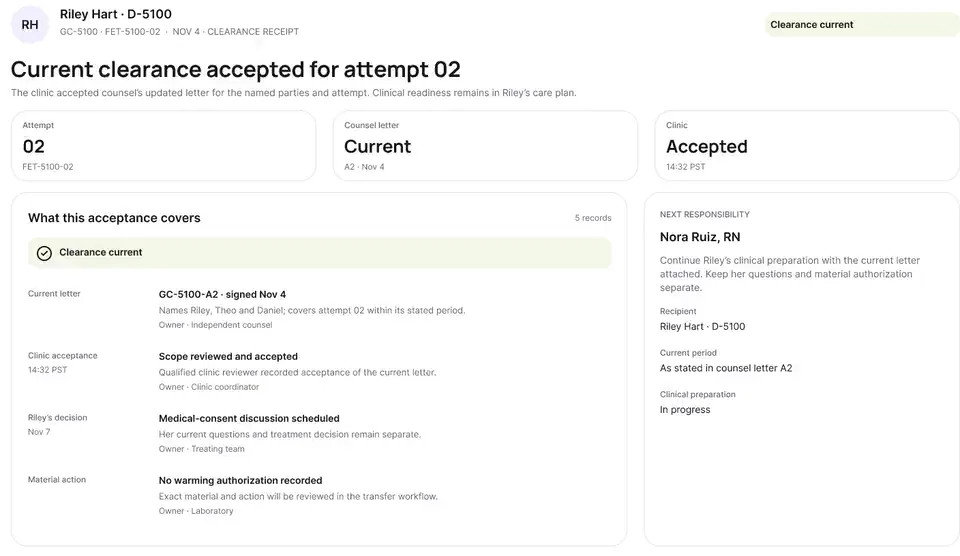
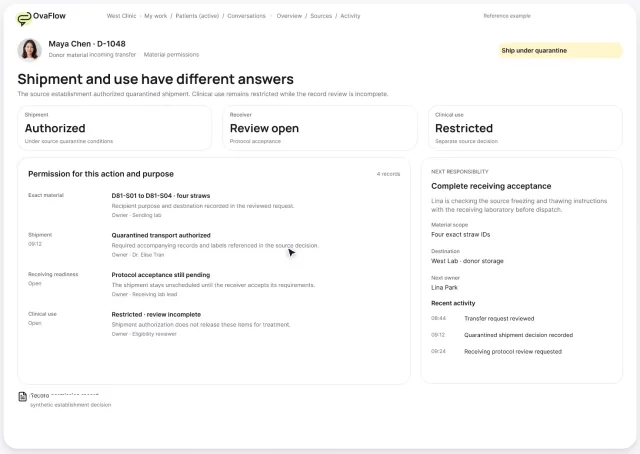
Shipping clearance isn't clinical clearance, a bounced email isn't abandonment, and a model update waits for the medical director.
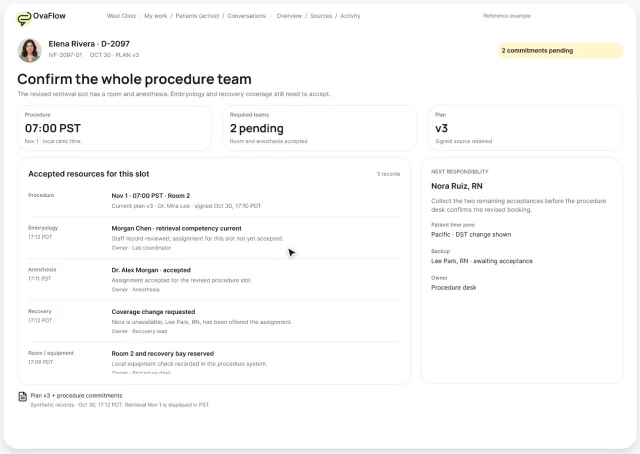
Every member of the procedure team commits to the slot, a mid-cycle insurance change rebuilds the estimate, consent lands on the right person's chart, and the interpreter is booked for every visit.
The patient's phone and the clinic's workspace side by side, so each reassuring screen shows the safeguard behind it.
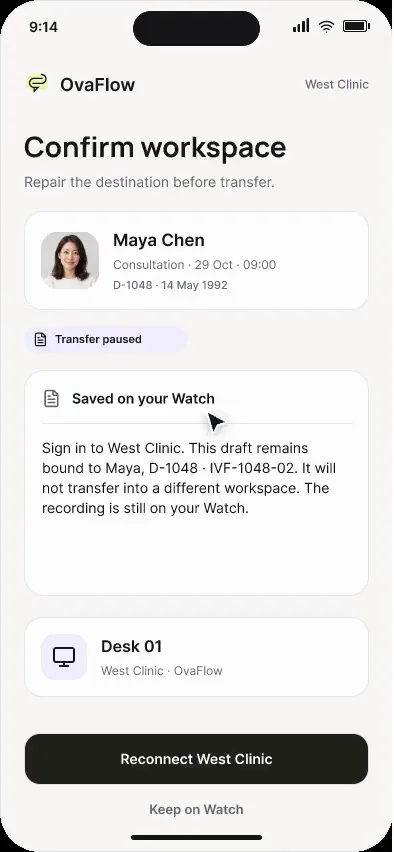
When Watch audio drops mid-note, the iPhone keeps what was captured, marks the gap, and reconnects the clinic workspace.
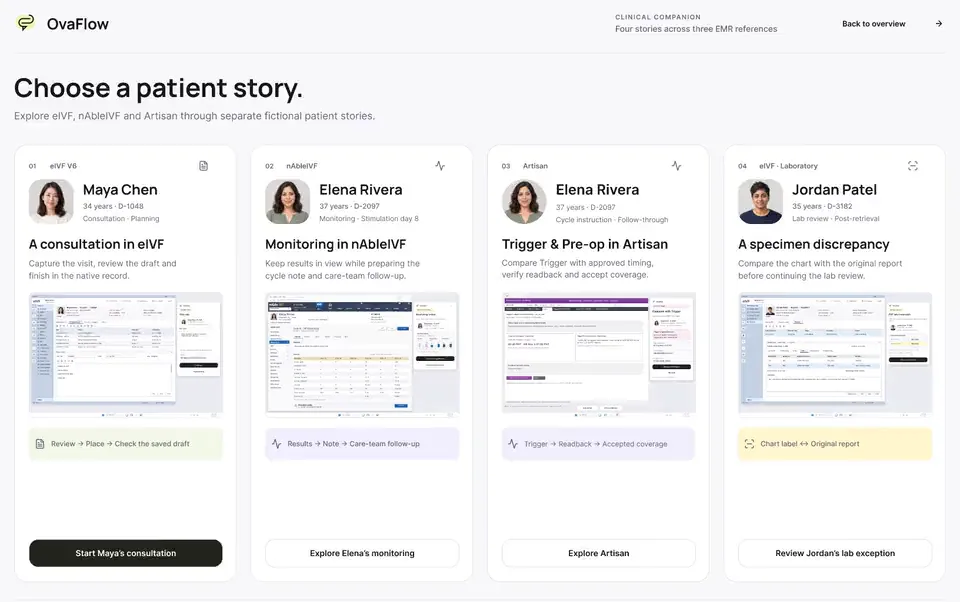
Four fictional patient examples across three modeled EMRs, a map of 300+ designed product states, and the research behind each boundary.
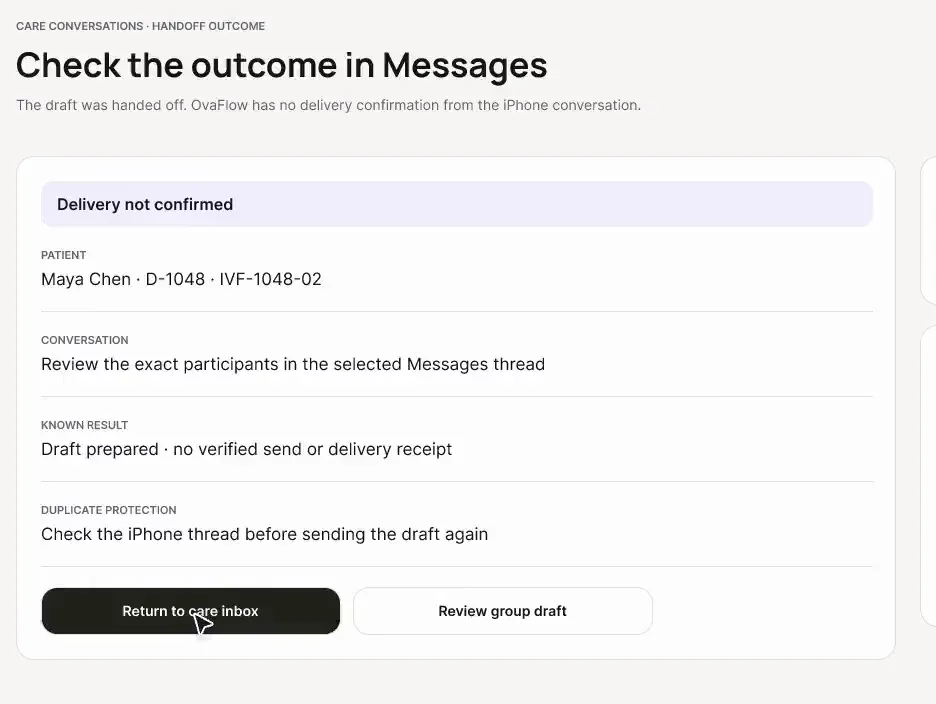
A desktop draft goes to the clinic iPhone with recipients checked, and templates and opt-ins are enforced before anything is sent.
From duplicate barcodes to cold-chain delivery and the patient's own “received”, every handoff to the clinic's own system has an owner and a confirmation.
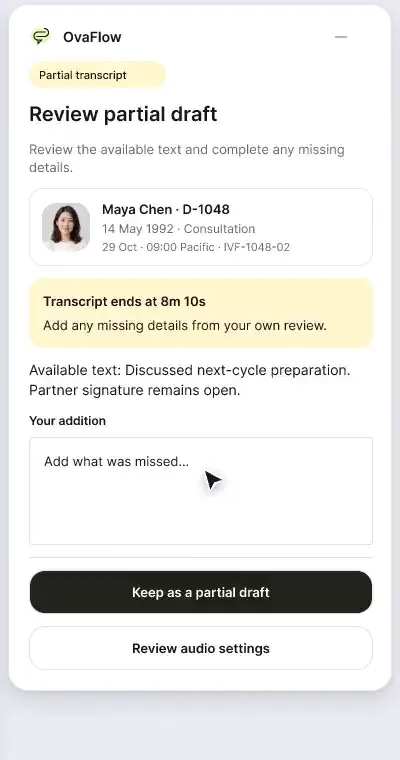
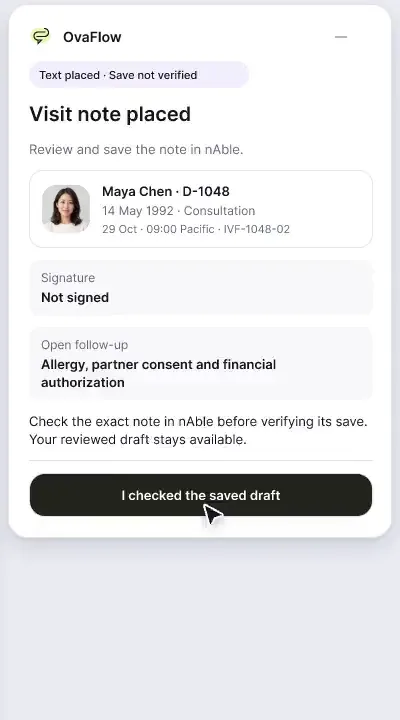
Consult notes captured with consent, paused for private moments, reviewed, then checked as saved rather than assumed.
Recorded from an interactive design prototype. Every patient, clinician and clinic is fictional, EMR screens are modeled reconstructions, and nothing shown is a live connection to any clinic or vendor system.
Guided tours
Short sequences that play in order, with a progress line so you always know where you are. Nothing plays until you press play.
Prototype boundaries & FAQ
Clear clinical, operational, and system-of-record boundaries shared by every walkthrough in the library.
Library FAQ
Every recording in this library is a step-through capture of the OvaFlow interactive design prototype using fictional patients (such as Elena Rivera, Maya Chen, Jordan Patel, and Avery & Sam) and fictional clinicians. Modeled EMR screens (Artisan, nAbleIVF, eIVF) are reconstructions built to illustrate how a companion is designed to sit beside a clinic's existing chart.
Start with Walkthrough 1 (Daily care: a changed trigger, the wrong chart and an unknown outcome) at the top of this page, or open the 5-stop Executive Overview tour (1:25 total), which traces one trigger change across the nurse's desktop, Elena's iPhone, the on-call nurse's iPhone, and the 300+ state atlas.
Operating rooms, embryology laboratories, and clinical orders use 24-hour time (for example, 20:00 PDT for trigger and 07:00 PST for retrieval) to eliminate AM/PM ambiguity across shifts. Patient-facing screens translate those signed timestamps into 12-hour time with AM/PM and the calendar date (8:00 PM PDT, Oct 30) so patients never have to convert military time at home.
They indicate rollout sequence. 'In the first pilot' covers core desktop daily care, trigger changes, save checks, nursing handoffs, and core lab/pharmacy readiness. 'Next after pilot' covers mobile clinician/patient companions and consult capture. 'Later phase' covers long-horizon embryology lineage, lot recalls, and cryostorage custody.
Never. Reproductive endocrinologists evaluate results and sign orders inside the clinic's EMR (including the EMR's own e-prescribing module). OvaFlow tracks what changed, who accepted the next action, whether the right chart is open, and whether the save or publication actually completed.
Selecting any Role, Stage, Device, or Modeled EMR filter updates the page URL query string (for example, /demos?role=physicians&stage=trigger#library) so you can copy the address bar and send that exact subset to your team.
Interactive sandbox
Clickable daily-care and Artisan workstations with fictional data. A simulation with no EMR connection.
Next step
A guided walkthrough of the design prototype, paced around your questions and your team's day. Fictional records only; please don't send patient data.