Windows companion: docking, audio setup, practice and call capture
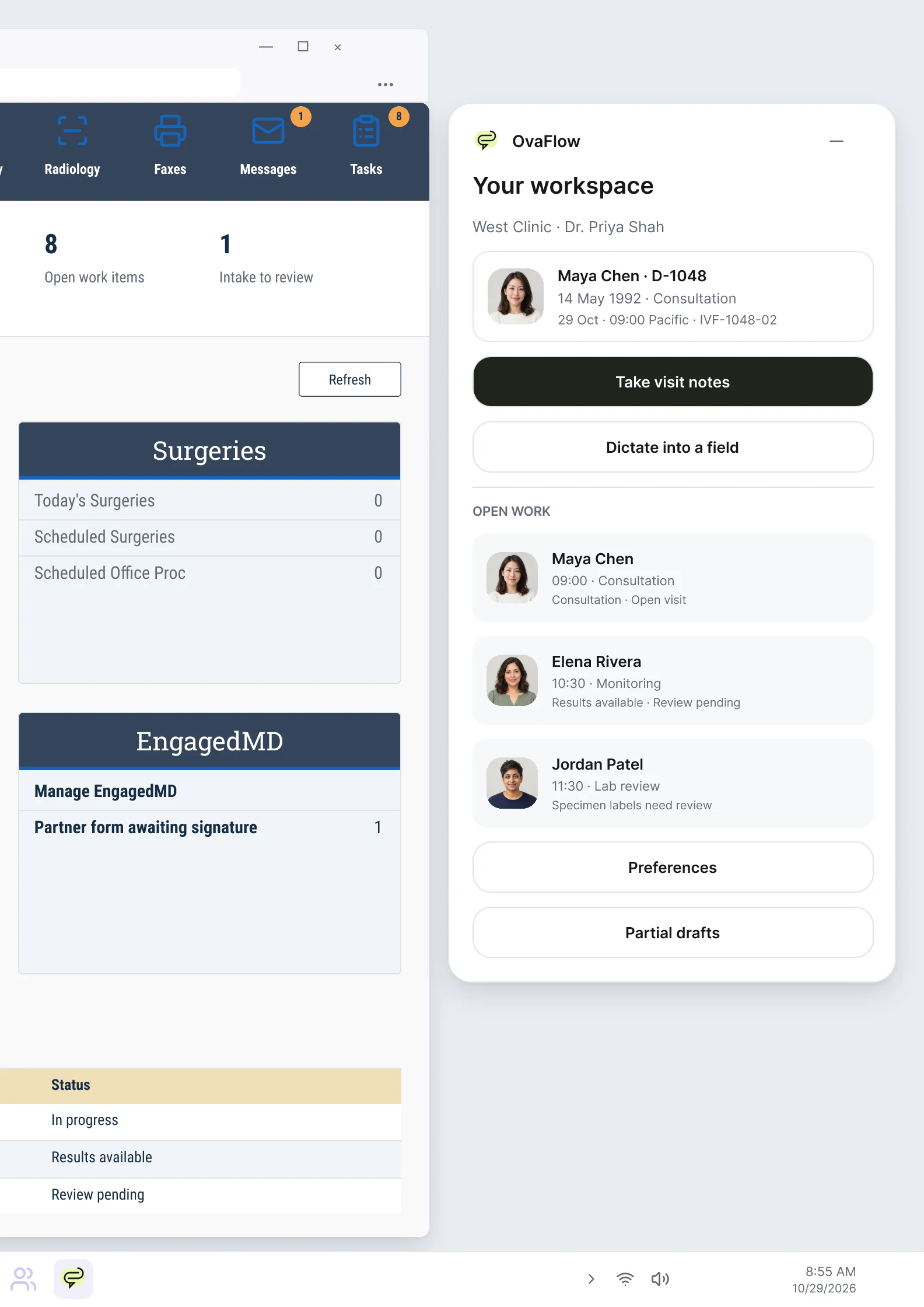
A floating companion designed to dock away from Save buttons, stay out of keyboard focus, ask before listening, and let staff practice outside any chart.
Product preview · Fictional patient data
Visit capture & dictation
Opt-in capture with a recording state you can always see. Every line of the draft points back to the words it came from, and nothing goes anywhere until a clinician reviews it.
Before listening
Transcript verbatim, simulated
Draft not placed
Dr. Mira Lee reviews every line against the transcript before anything is placed in the EMR.
How it works
Capture moves through the same four states on every device. Each one is visible, and none can be skipped.
The patient, the active encounter and spoken or recorded consent are confirmed before the microphone can turn on.
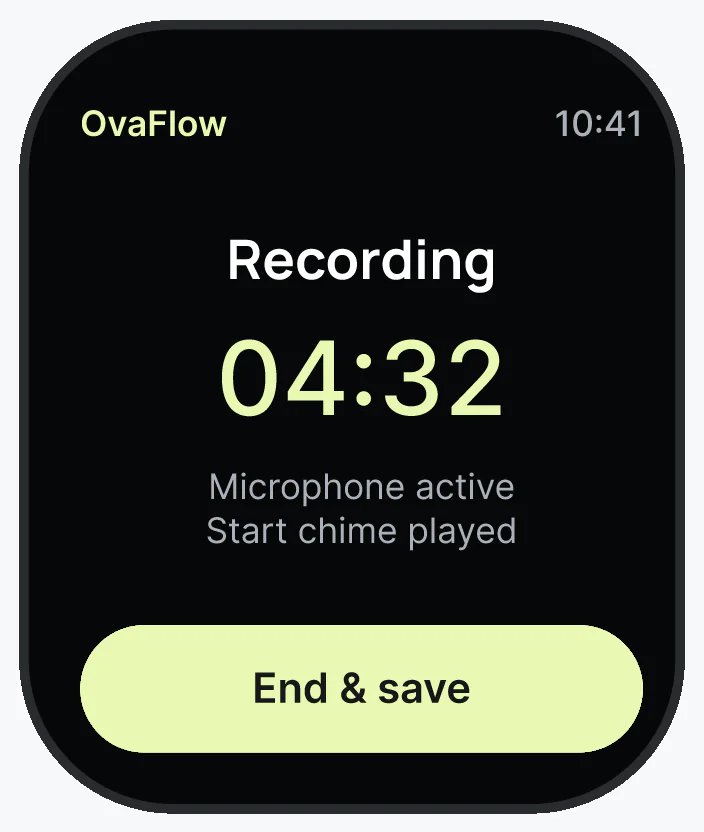
An unmistakable live indicator stays on screen while capture runs, and pausing for a physical exam or personal moment takes one tap.
Each sentence in the structured draft links directly to the verbatim transcript span and timestamp so omissions or misheard numbers are easy to spot.
The clinician reviews and edits the draft before placing it into the matching EMR encounter, where save verification confirms the record.
Statuses you’ll see
Wherever the visit happens
Capture starts the same way everywhere: a chosen visit, a confirmed patient and consent, then a recording state you can always see.
Third-party names and logos are trademarks of their respective owners, shown to illustrate systems commonly used in IVF clinics. No affiliation, endorsement or live integration is implied. nAbleIVF, eIVF and Artisan appear as modeled workflow examples.
Boundaries
Capturing visits with consent
Recent multi-site evaluations of ambient clinical documentation in JAMA Network Open show that while voice capture reduces after-hours charting burden, generated drafts can omit spoken details or introduce unstated assumptions—requiring clinicians to verify draft statements against what was actually said [1, 2]. In reproductive medicine consultations and ultrasound rooms, sensitive discussions and physical examinations also demand strict control over when the microphone is active.
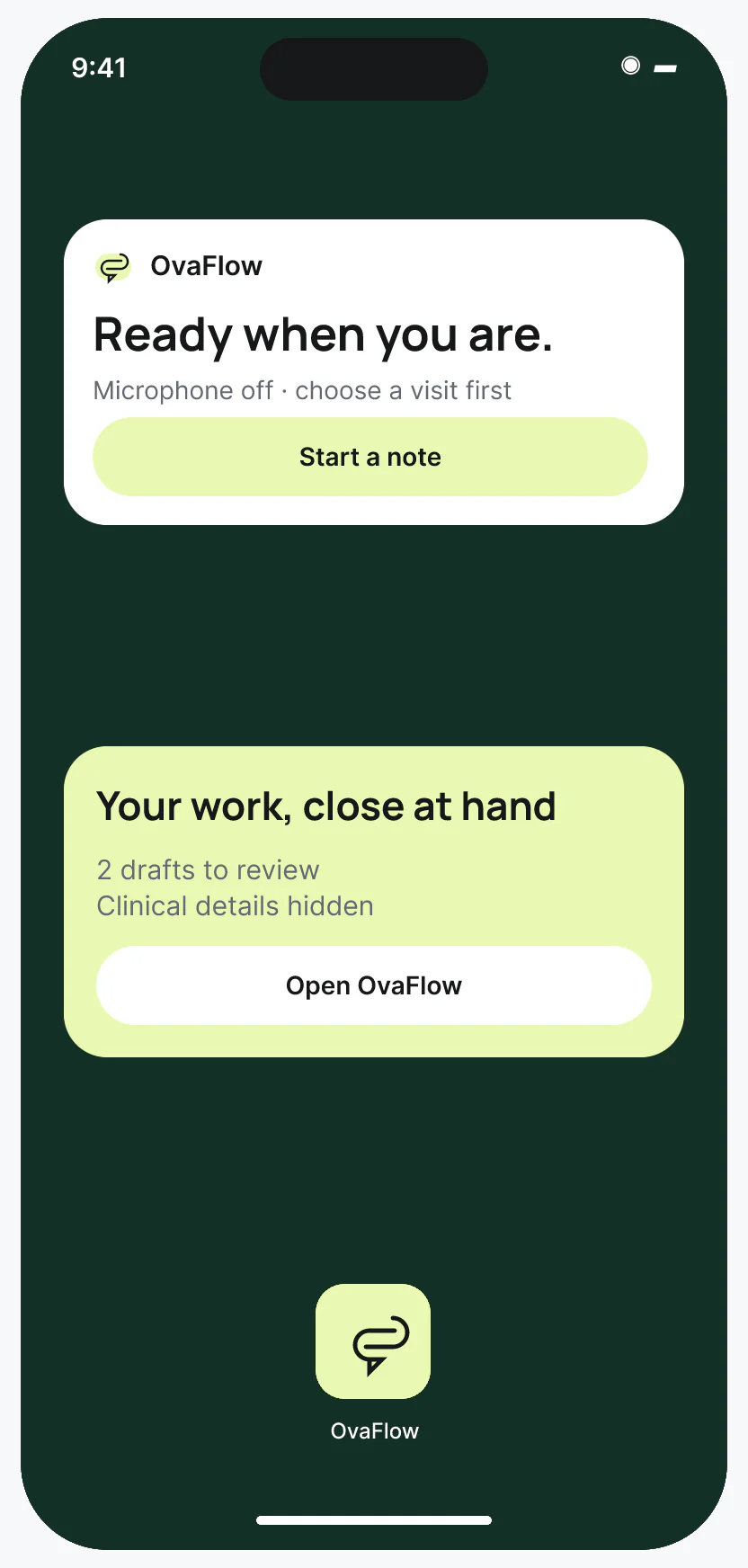
OvaFlow enforces three hard rules before and during every capture session: first, the microphone cannot turn on until the patient, the encounter, and explicit consent are confirmed on screen; second, a live recording indicator stays visible at all times with a one-step pause for physical exams or private moments (and automatic patient-name redaction on Lock Screen or lowered Apple Watch wrists); third, every sentence in the structured draft links directly to its timestamped verbatim transcript span so the clinician can verify before placing it in the EMR.
Consent confirmed before the mic turns on
Dr. Priya Shah or Dr. Mira Lee confirms the patient, the visit type, and explicit patient consent on screen before listening can start. Afterward, each draft sentence points to the exact spoken words.
Reviewed line by line before EMR placementOne-tap pause for exams or private moments
A visible indicator stays on screen whenever capture is active. One tap pauses listening immediately for an ultrasound exam or when Maya Chen shares something off the record.
Paused state is unmistakable on screenHidden on Lock Screen & kept until received
Lowering the wrist or locking the iPhone hides patient names until unlocked. If hallway Wi-Fi drops, the voice memo stays on the watch or phone until the desk workstation confirms receipt.
Private by default · Kept until receivedBefore the microphone activates for Elena Rivera’s Cycle Day 11 consult, Dr. Mira Lee confirms Elena’s identity, the monitoring encounter, and Elena’s consent on screen. A high-contrast recording indicator stays visible.
As Dr. Mira Lee begins the transvaginal ultrasound examination, she taps Pause once. The microphone stops listening immediately and marks the intentional pause in the timeline.
After the visit, Dr. Mira Lee reviews the structured note beside the verbatim transcript. Selecting the plan line highlights the exact spoken words (“Move trigger to 20:00 PDT tonight”) so she can verify the numbers before placing the draft in the EMR.
When Dr. Lee records a quick follow-up voice memo in the corridor, lowering her wrist or locking her iPhone hides Elena Rivera’s name and clinical details until unlocked.
Questions & primary sources
Every sentence in the draft has a numbered tether back to the verbatim transcript span and audio timestamp. Clicking or focusing a sentence highlights the exact spoken words right beside it.
Under the “Kept until received” safeguard, the audio and transcript stay on the originating watch or phone until the paired workstation explicitly confirms the draft arrived and is tied to the right encounter.
No. Your clinician must confirm your consent on screen before the microphone can turn on, a visible indicator shows whenever capture is active, and pausing for an exam or personal question takes one tap.
See it
Recorded from an interactive design prototype. Every patient, clinician and clinic is fictional, and EMR screens are modeled reconstructions.
A floating companion designed to dock away from Save buttons, stay out of keyboard focus, ask before listening, and let staff practice outside any chart.
Consult notes captured with consent, paused for private moments, reviewed, then checked as saved rather than assumed.
Confirm the patient and consent before the mic turns on, pause for the exam, and hand the draft to the desk even while the desk is offline.
Between ultrasound rooms, a wrist note saves on the Watch first, says plainly where it is, and hides the patient's name when the wrist drops.
When Watch audio drops mid-note, the iPhone keeps what was captured, marks the gap, and reconnects the clinic workspace.
A patient-reported penicillin rash is surfaced against the chart, a monitoring note is confirmed saved rather than assumed, and a specimen label mismatch stops review.
Next step
We will walk through consent, pause and review in a modeled workflow example, with fictional records only. Please don't send patient data.