Guided tour
Executive overview
Start with one nurse's afternoon and evening, then follow the same trigger change onto Elena's phone and the on-call nurse's phone. Finish with the presentation overview of four fictional patient examples, the map of 300+ designed states and the interaction research behind every boundary.
- Walkthroughs
- 5
- Running time
- 1:25
- For
- Practice leaders · Nurses
Watch the tour
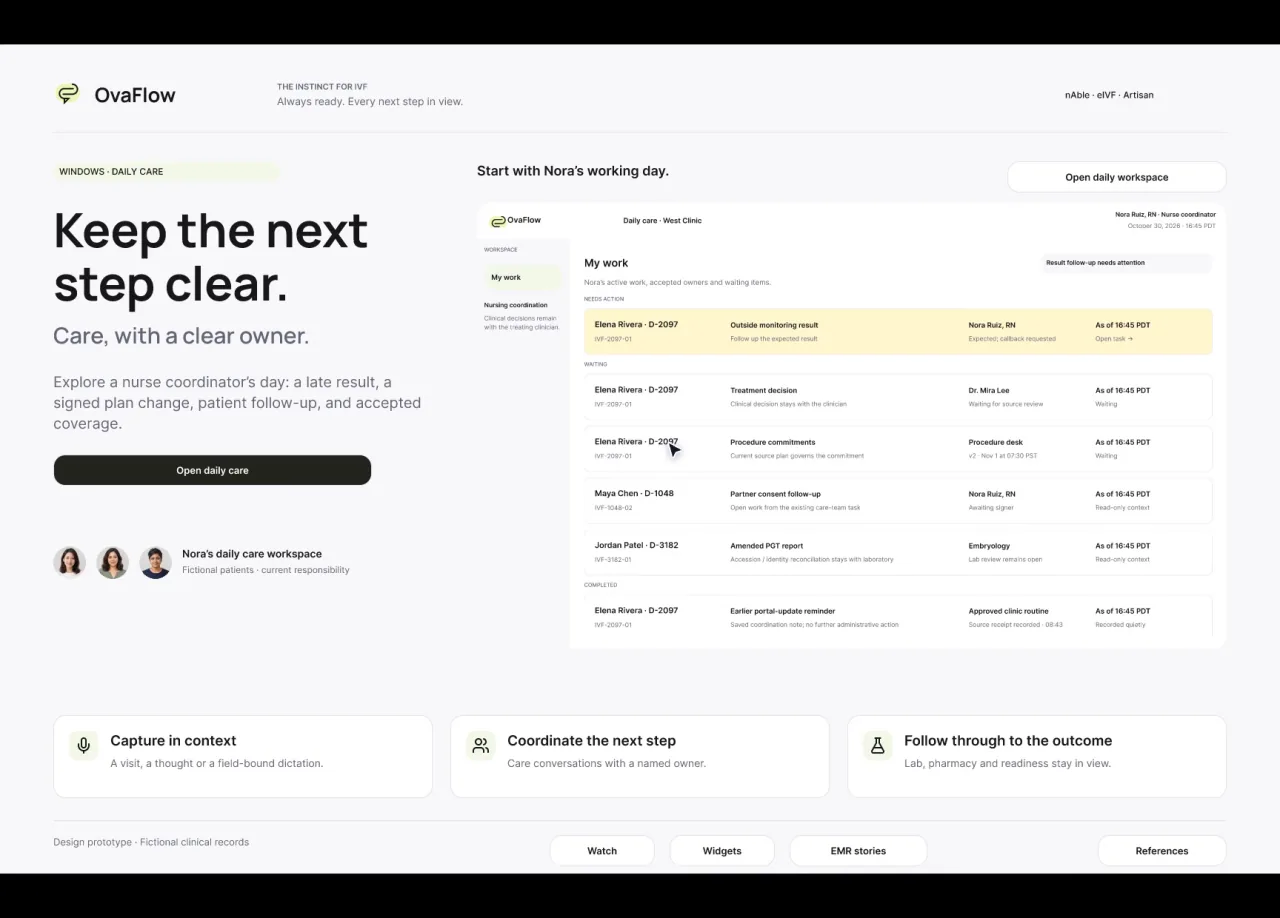
Walkthrough 1 of 5: Daily care: a changed trigger, the wrong chart and an unknown outcome
Daily care: a changed trigger, the wrong chart and an unknown outcome, muted recording of the design prototype. Fictional patient data.
Chapter 1 of 10: My work, with Elena's task on top
Narrative arc & route map
Why these walkthroughs are sequenced together.
The daily-care story, the patient's side, the on-call phone and the design map.
The clinical & operational thread
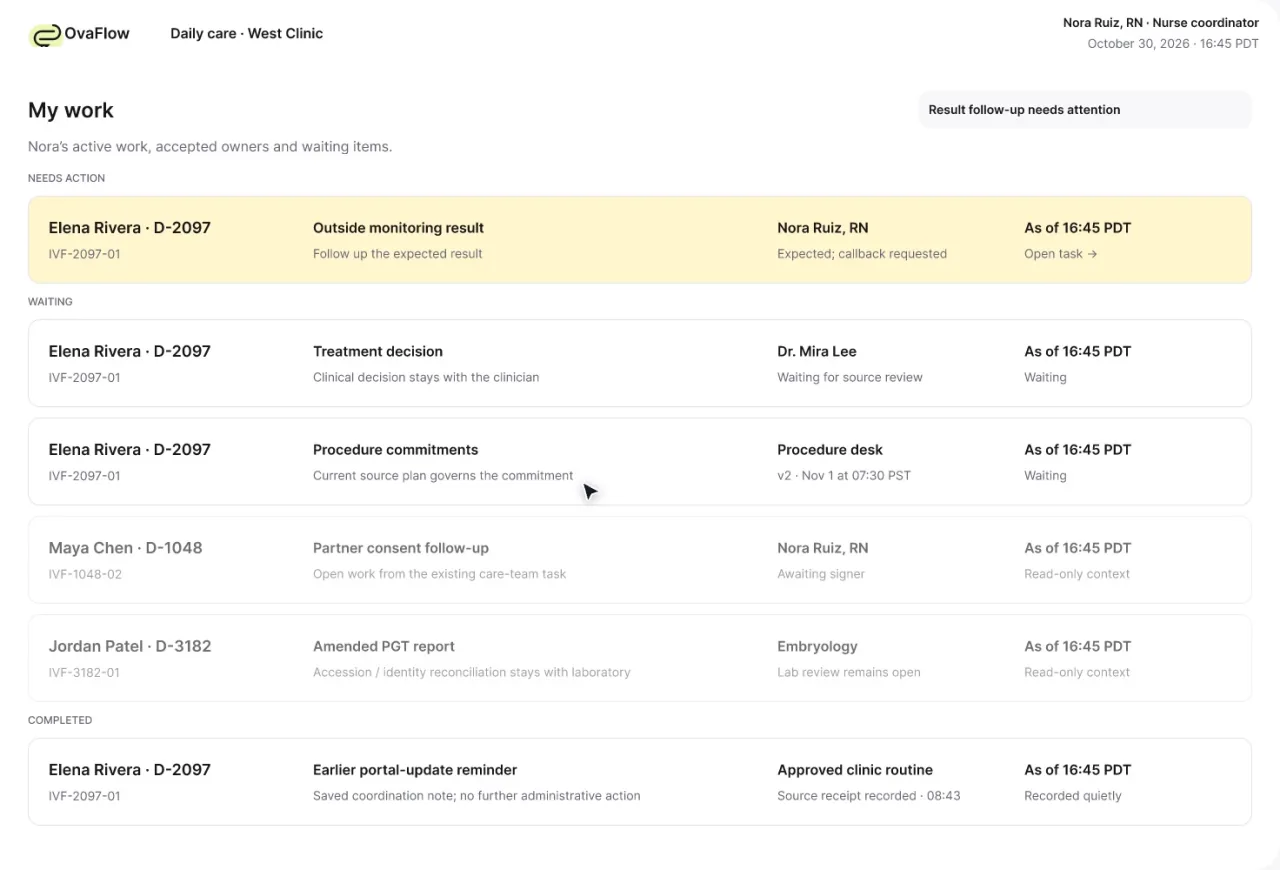
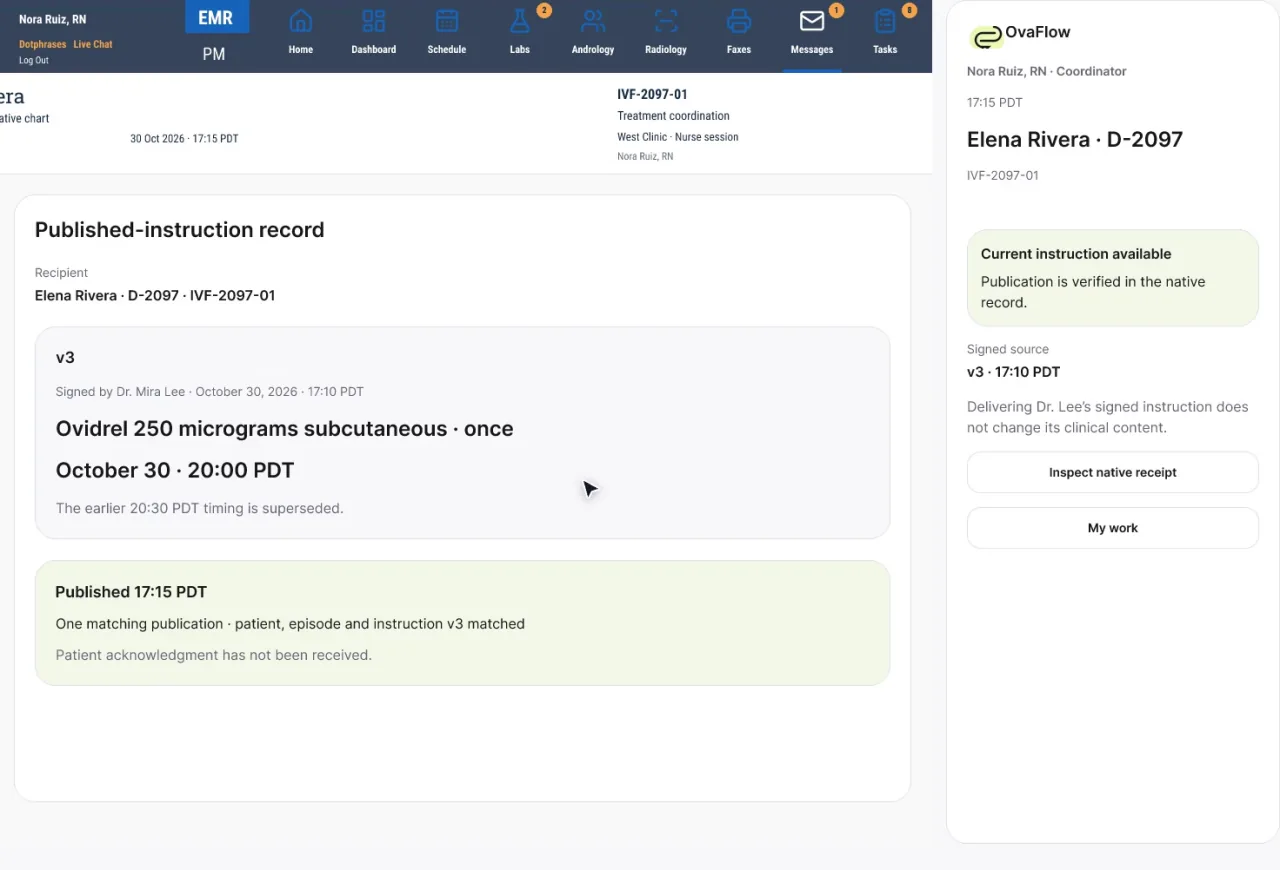
For practice leaders and medical directors, the fastest way to evaluate OvaFlow is to trace a single high-stakes clinical change from the afternoon nursing desk to the patient's living room, onto the evening on-call nurse's iPhone, and back to the clinic's system-wide state map. When an outside estradiol result lands at 16:45 PDT and Dr. Mira Lee signs trigger version 3 (moving Elena Rivera's injection from 20:30 PDT to 20:00 PDT), four devices and four roles have to stay aligned across the evening shift boundary.
Across five stops (1:25 total), this tour follows that exact thread without jumping between unrelated features: Stops 1 and 2 stay on Nora Ruiz, RN's desktop as she catches a wrong-chart stop, verifies a dropped portal response, and splits Elena's 20:20 PDT dose report into a nursing callback and a physician review. Stop 3 flips to Elena's iPhone in 12-hour time (8:00 PM PDT, Oct 30), Stop 4 follows on-call nurse Alex Kim, RN accepting the evening callback at 20:28 PDT on her iPhone, and Stop 5 zooms out to the 300+ designed states and primary clinical literature.
Grounded in published clinical and safety guidance [3][4][14][18][19].
5-stop executive route: one trigger amendment across desk, patient phone, on-call phone, and state atlas
- Desktop workspaceWrong-chart stop + Save check
- Desktop workspaceSplit callback vs. REI review
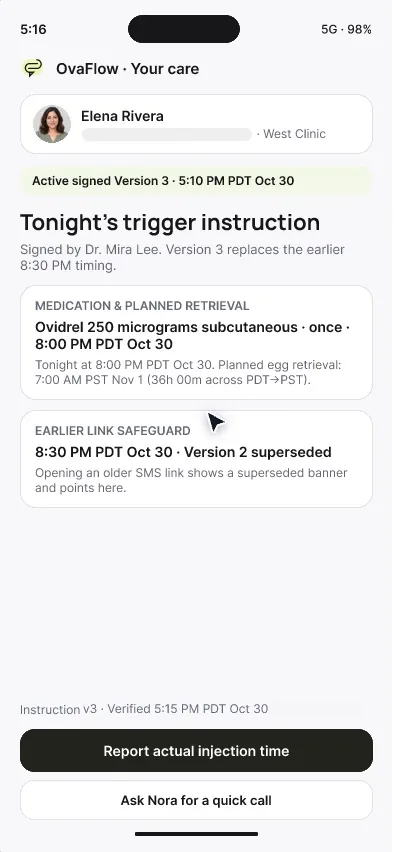
- Patient iPhone (12h)Stale link intercepted
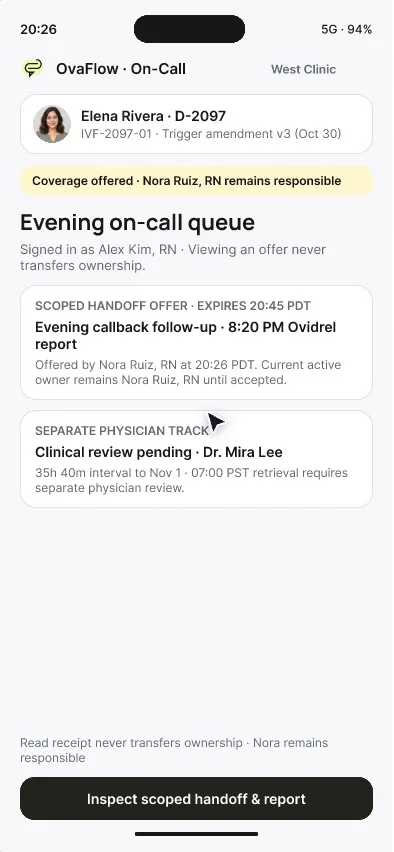
- Clinician iPhone (24h)Seeing is not accepting
- Desktop overviewPilot-scoped architecture
What OvaFlow coordinates across this tour
- Traces one clinical change (Elena's trigger v3) across desktop nursing, patient iPhone, and on-call nursing iPhone.
- Demonstrates explicit ownership handoffs, wrong-chart stops, stale-link interception, and unknown-publication recovery.
- Shows how the prototype is organized into pilot-scope, next-phase, and later-phase workflows.
What stays with clinicians & the clinic's own systems
- Never claims live production deployment, customer counts, or clinical outcome metrics.
- Never prescribes medications or decides whether a 20-minute trigger delay changes retrieval timing.
- Never replaces the clinic's EMR as the legal system of record.
The sequence
Every stop, in order.
Practice leaders and medical directors. Each walkthrough also has its own page with chapters, a full transcript and the pages it belongs to.
- 01
Daily care: a changed trigger, the wrong chart and an unknown outcome
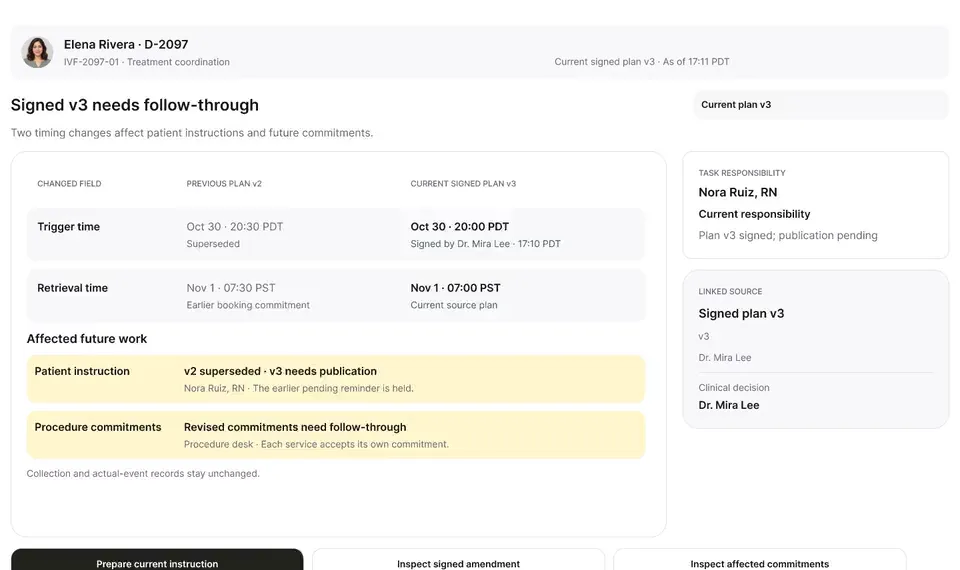
A late estradiol result, a newly signed trigger time, the wrong chart caught before publishing, and a lost confirmation checked rather than blindly resent.
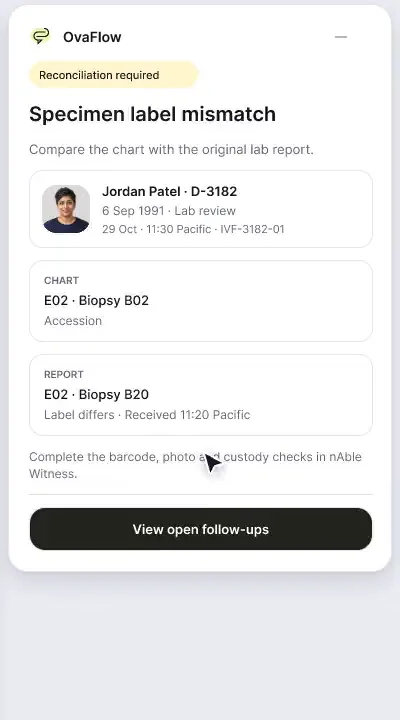
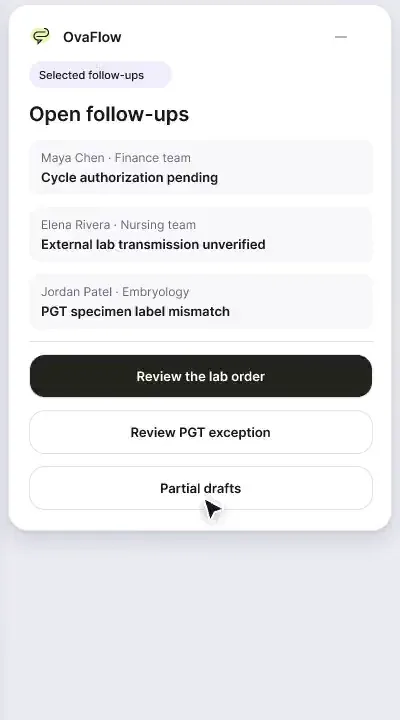
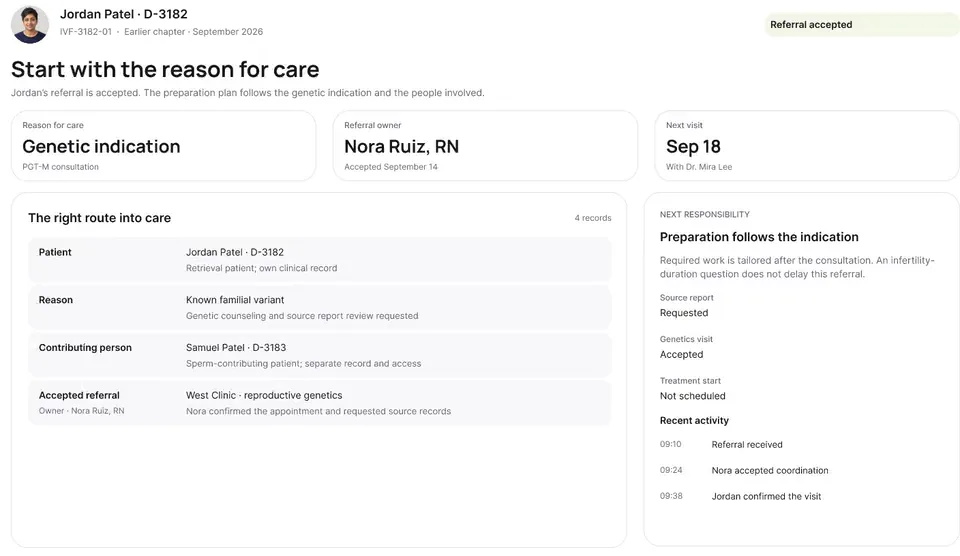
Establishes the core afternoon workflow: late estradiol receipt, accepted coverage, Dr. Mira Lee's 17:10 PDT v3 signature, a wrong-chart stop on Jordan Patel's tab, and verifying a dropped portal publication.
What to watch for & handoff to next stop
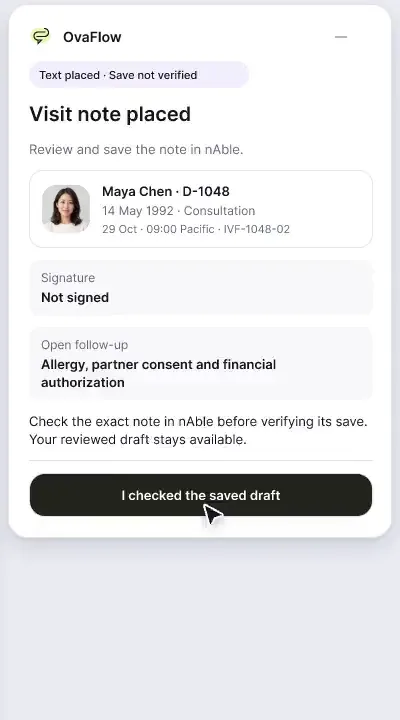
Watch for: Watch 'Coverage offered — Nora still responsible' flip only when Lee Park, RN clicks Accept at 17:04 PDT, and watch 'Publication outcome unknown' clear only after portal history verification.
Handoff: Version 3 (20:00 PDT) is now verified in the portal, setting up Elena's evening response in Stop 2.
- 02
Daily care: the 8:20 PM report and the evening handoff
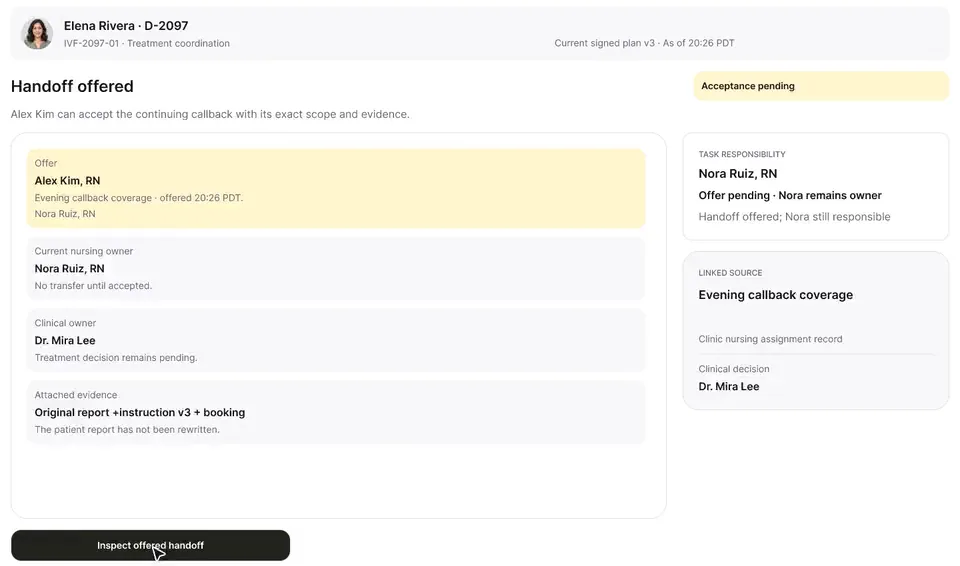
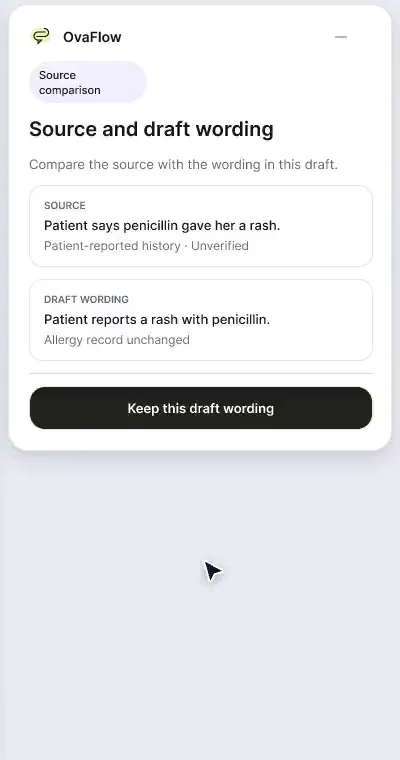
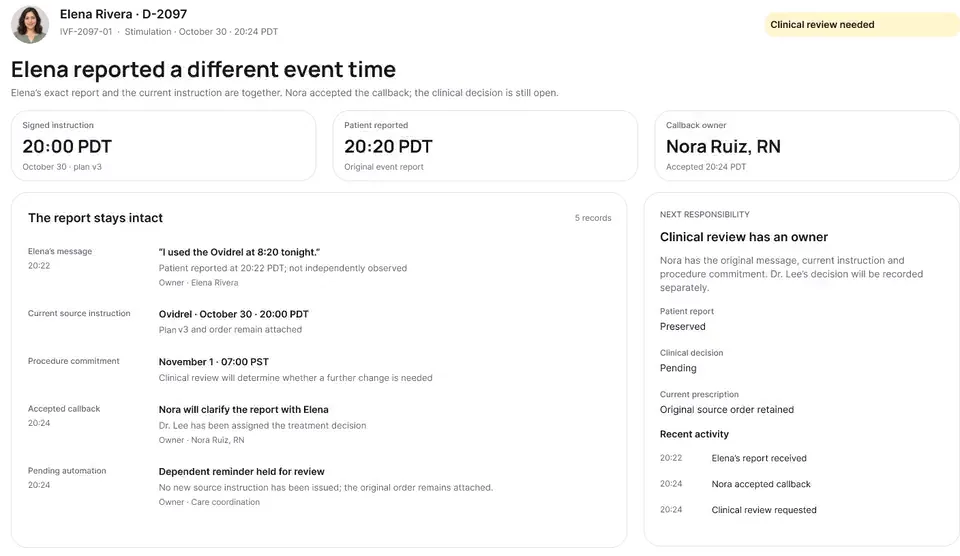
Elena says she injected at 8:20, not 8:00. Her words are kept as she said them, the signed instruction stays as signed, and the evening callback changes hands only when Alex accepts it.
Shows what happens after publication: Elena asks a question without marking the dose taken, then logs injecting at 20:20 PDT — splitting nursing reassurance from Dr. Mira Lee's clinical review.
What to watch for & handoff to next stop
Watch for: Notice that Nora accepting the patient callback leaves Dr. Mira Lee's timing review open on its own row until Alex Kim, RN accepts evening coverage at 20:28 PDT.
Handoff: Switches perspective to show the exact same 45-minute window from Elena Rivera's iPhone.
Show stops 3–5 in this tour (3 more walkthroughs)
- 03
Elena's iPhone: the current instruction, an old link, an honest report
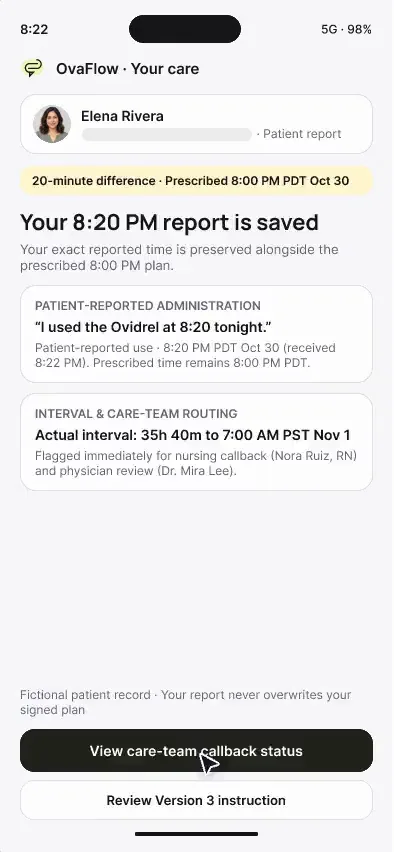
An old text link can't send Elena to a superseded injection time. Reporting a late dose is simple and honest, and urgent help is one tap away.
Demonstrates the patient side of Stops 1 and 2: 8:00 PM PDT (Oct 30) in 12-hour time, interception of an old v2 notification link, honest 8:20 PM reporting, and post-retrieval urgent contact visibility.
What to watch for & handoff to next stop
Watch for: Watch the stale link from earlier in the afternoon get blocked before Elena can see the superseded 8:30 PM PDT time.
Handoff: Elena's 8:20 PM report and callback request now land on the on-call nurse's iPhone in Stop 4.
- 04
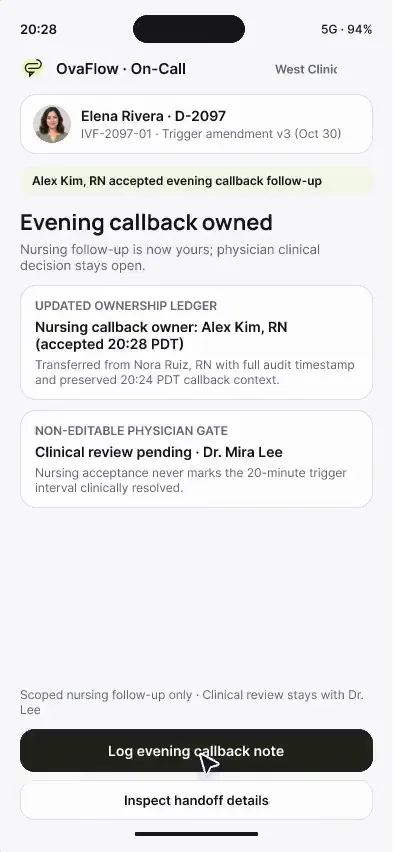
On-call nurse iPhone: seeing isn't accepting, declining leaves no gap
On the on-call phone, seeing a handoff isn't accepting it, declining leaves the original nurse responsible, and the physician's decision stays with the physician.
Shows how evening on-call coverage works without dropped tasks: viewing the queue or declining an offer keeps Nora responsible until Alex Kim, RN explicitly accepts the nursing callback.
What to watch for & handoff to next stop
Watch for: Compare the decline branch (where Nora stays owner) with the accept branch at 20:28 PDT (where Alex's callback note syncs back to the desk).
Handoff: Steps back from Elena's single evening to the clinic-wide executive overview in Stop 5.
- 05
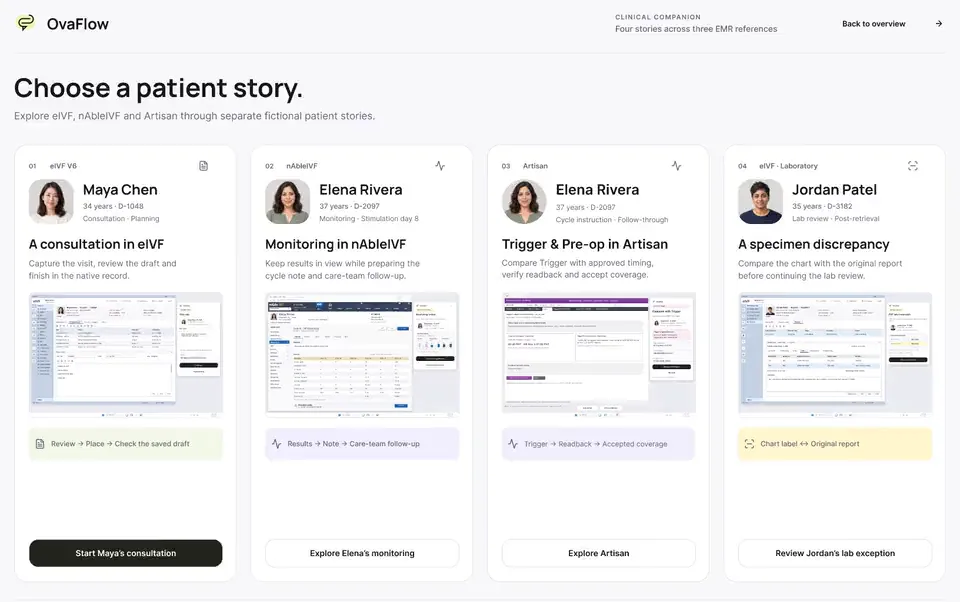
Executive overview: three modeled EMRs, the design map and research
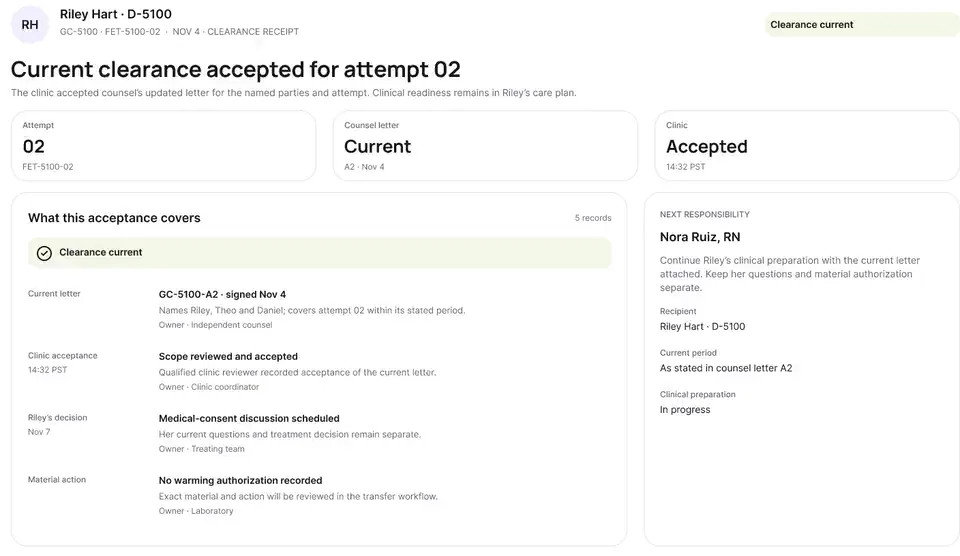
Four fictional patient examples across three modeled EMRs, a map of 300+ designed product states, and the research behind each boundary.
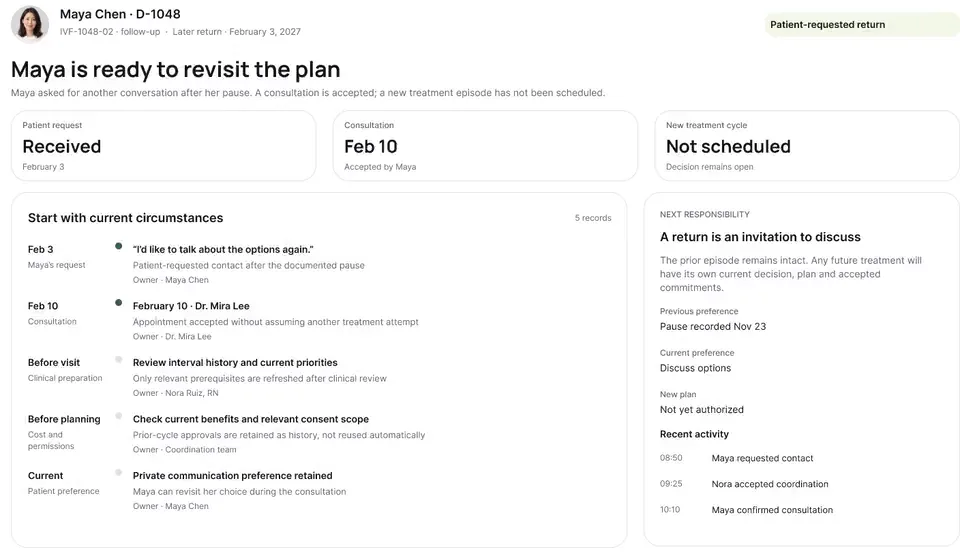
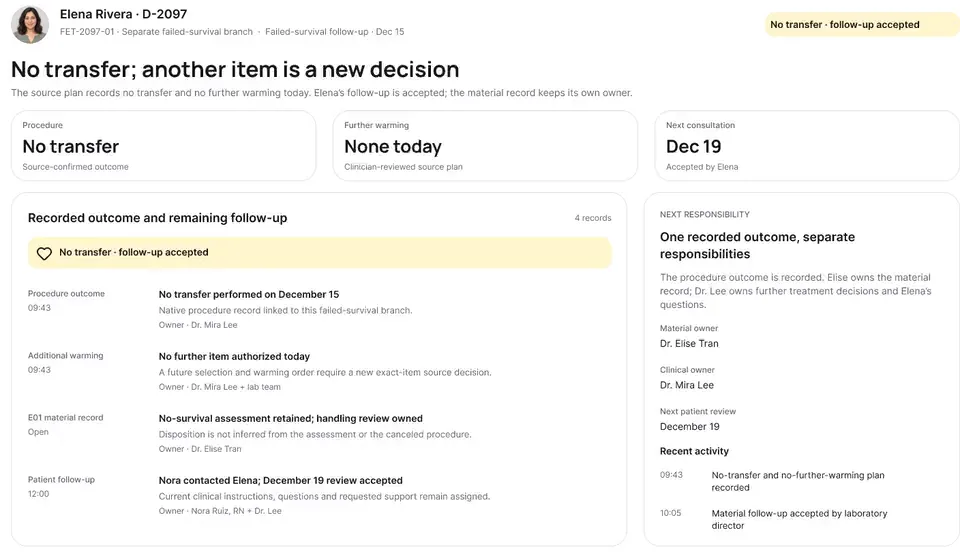
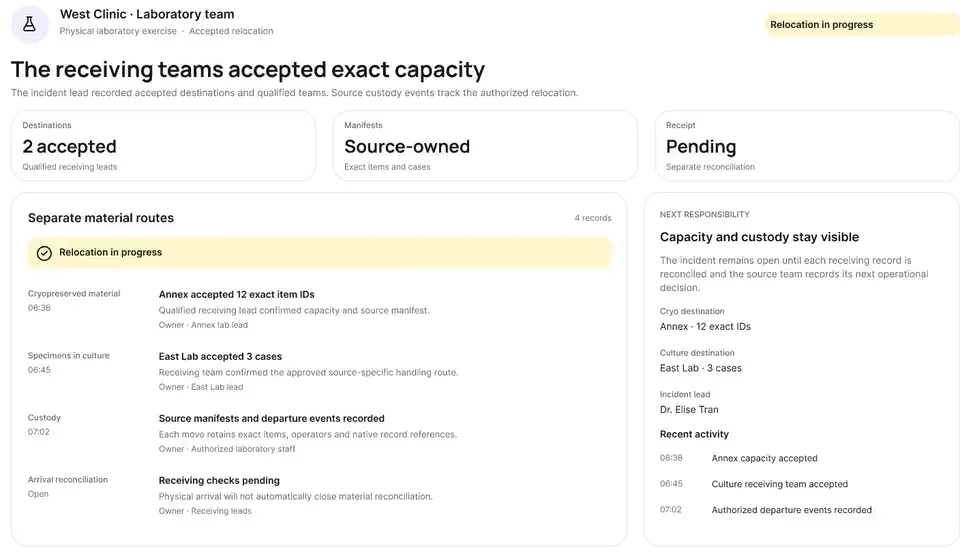
Places Elena's story inside the broader design prototype: four cross-EMR examples, more than 300 designed operational states across 10 IVF stages, and the clinical research behind each rule.
What to watch for & handoff to next stop
Watch for: Inspect the state map showing how normal, warning, stop, and recovery states are distributed across all 10 stages of care.
Handoff: Completes the executive tour; continue into the EMR-specific or Lab/Cryo tours below.
Tour FAQ
Questions about the Executive overview tour
Common questions from practice leaders and medical directors reviewing this sequence.
Why do Stops 1 through 4 all follow the same patient (Elena Rivera)?
Showing the exact same 17:10 PDT trigger change and 20:20 PDT dose report across the day nurse's desktop, the patient's iPhone, and the on-call nurse's iPhone proves that every role sees consistent, role-appropriate state without contradictions.
Which stops in the Executive Tour are scoped for the first clinic pilot?
Stops 1 and 2 (desktop daily care, trigger amendment, discrepancy tracking, and nursing handoffs) are scoped for the first pilot; mobile/patient surfaces and the full state map illustrate the broader design roadmap.
Are any patient records or clinic metrics in Stop 5 from a real clinic?
No. All patient stories, staff personas, and state counts represent designed prototype states and fictional records.
Other tours
Pick another path.
Artisan clinics
Clinics that run ArtisannAbleIVF & eIVF clinics
Clinics that run nAbleIVF or eIVFWorkstation, messaging & recovery
Operations, IT and nursing leads
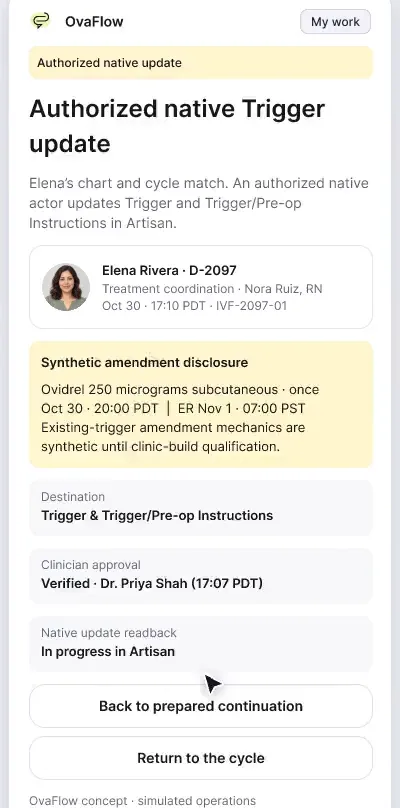
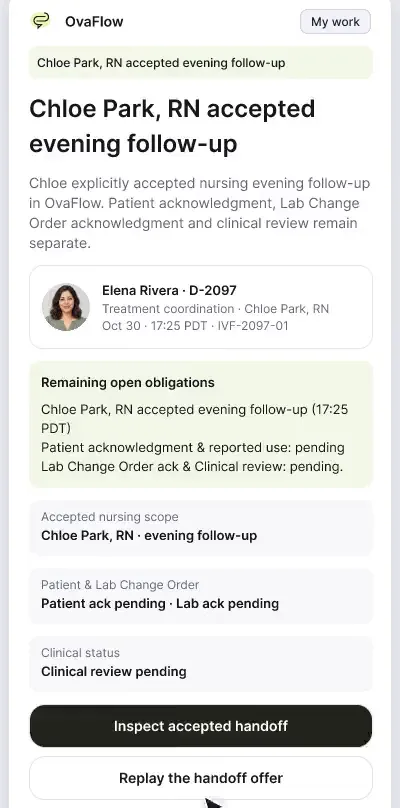
Show 3 more guided tours (Mobile & Watch · Patient experience · Lab, cryo & pharmacy)
Next step
Seen the recordings? Walk it with us.
A guided walkthrough of the design prototype, paced around your questions and your team's day. Fictional records only; please don't send patient data.