Guided tour
nAbleIVF & eIVF clinics
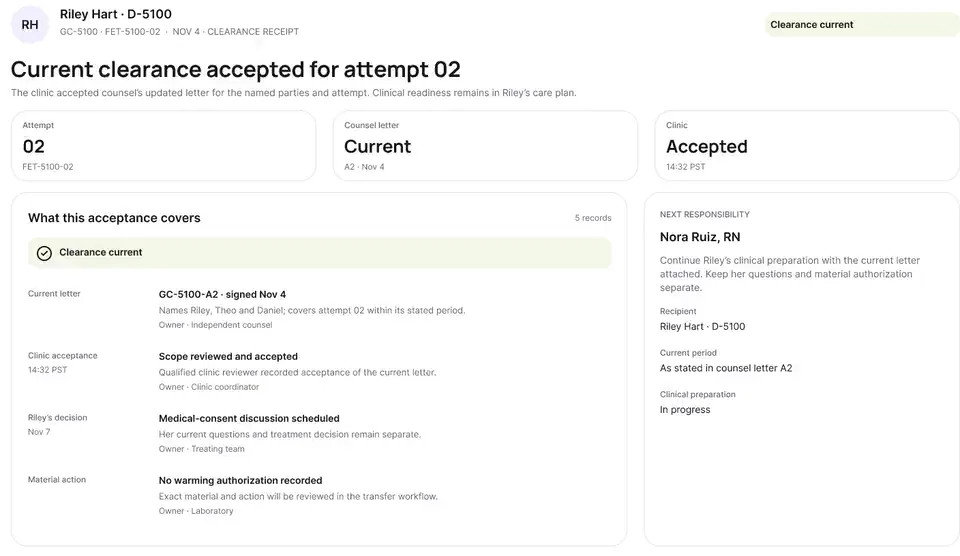
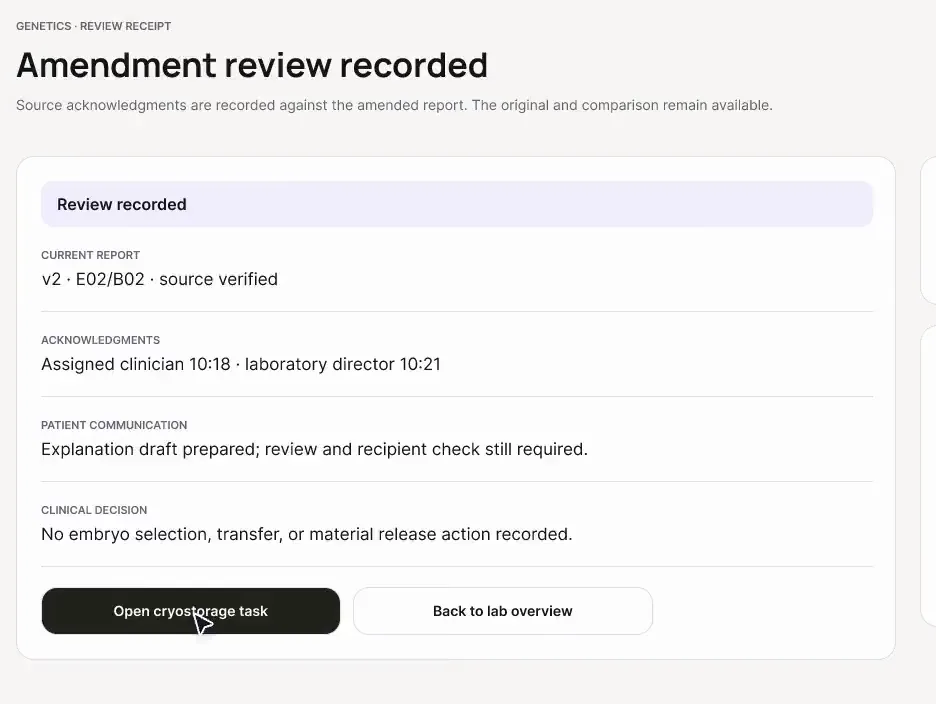
The companion beside modeled nAbleIVF and eIVF views: notes that count as saved only once the EMR shows them, a financial item that holds cycle start, dose changes handed to the clinic's own e-prescribing, and consult capture with consent. Across three stops, the tour shows how high-volume monitoring, readiness gates and consultation documentation keep every final write inside the host EMR.
- Walkthroughs
- 3
- Running time
- 1:17
- For
- Physicians · Nurses
nAbleIVF and eIVF (V6 reference) appear as modeled workflow examples. Each operation is tested in the clinic first.
Watch the tour
Walkthrough 1 of 3: nAbleIVF: allergy check, monitoring note, save check, specimen stop
nAbleIVF: allergy check, monitoring note, save check, specimen stop, muted recording of the design prototype. Fictional patient data.
Chapter 1 of 6: Maya's intake history
Narrative arc & route map
Why these walkthroughs are sequenced together.
Save checks, allergy reconciliation, consult capture, the clinic's own e-prescribing and label stops.
The clinical & operational thread
Clinics running nAbleIVF or eIVF manage structured intake histories, morning ultrasound/estradiol monitoring grids, prior-authorization financial blocks, e-prescribing modules, outside laboratory queues, and long-form physician consultations. Across those modules, two subtle hazards recur: assuming that text pasted into an EMR note box has actually been saved to the database, and letting a clinical readiness gate (such as a specimen label mismatch, an unverified intake allergy, a pending financial hold, or a PGT sample ID conflict) slip past morning review.
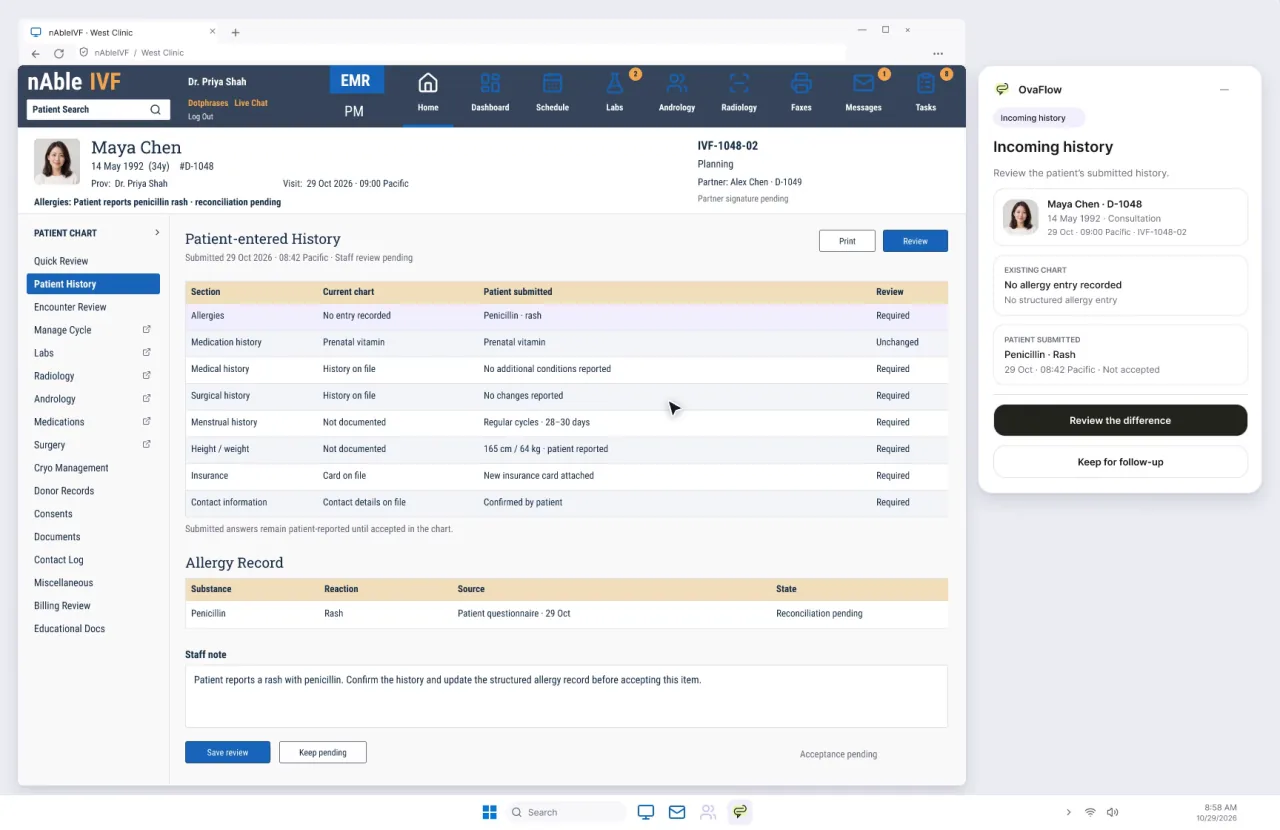
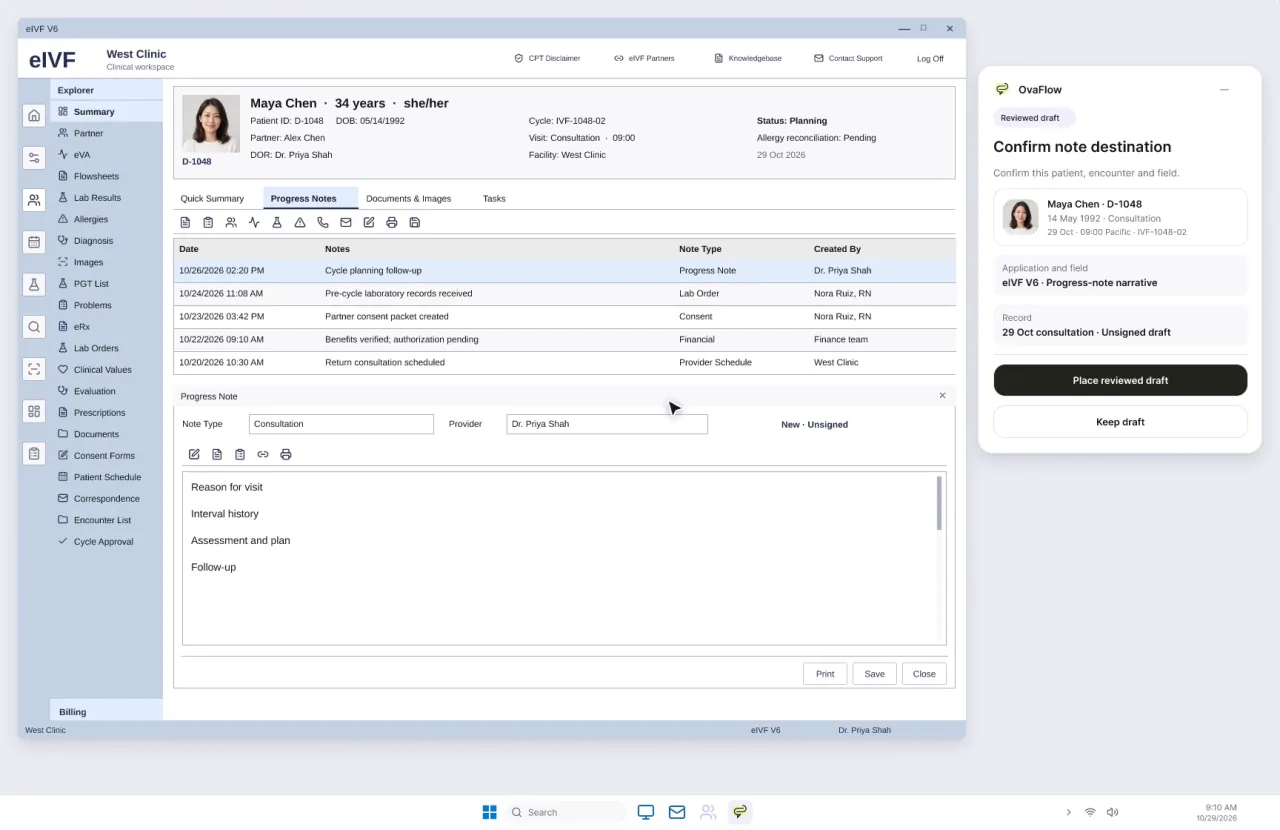
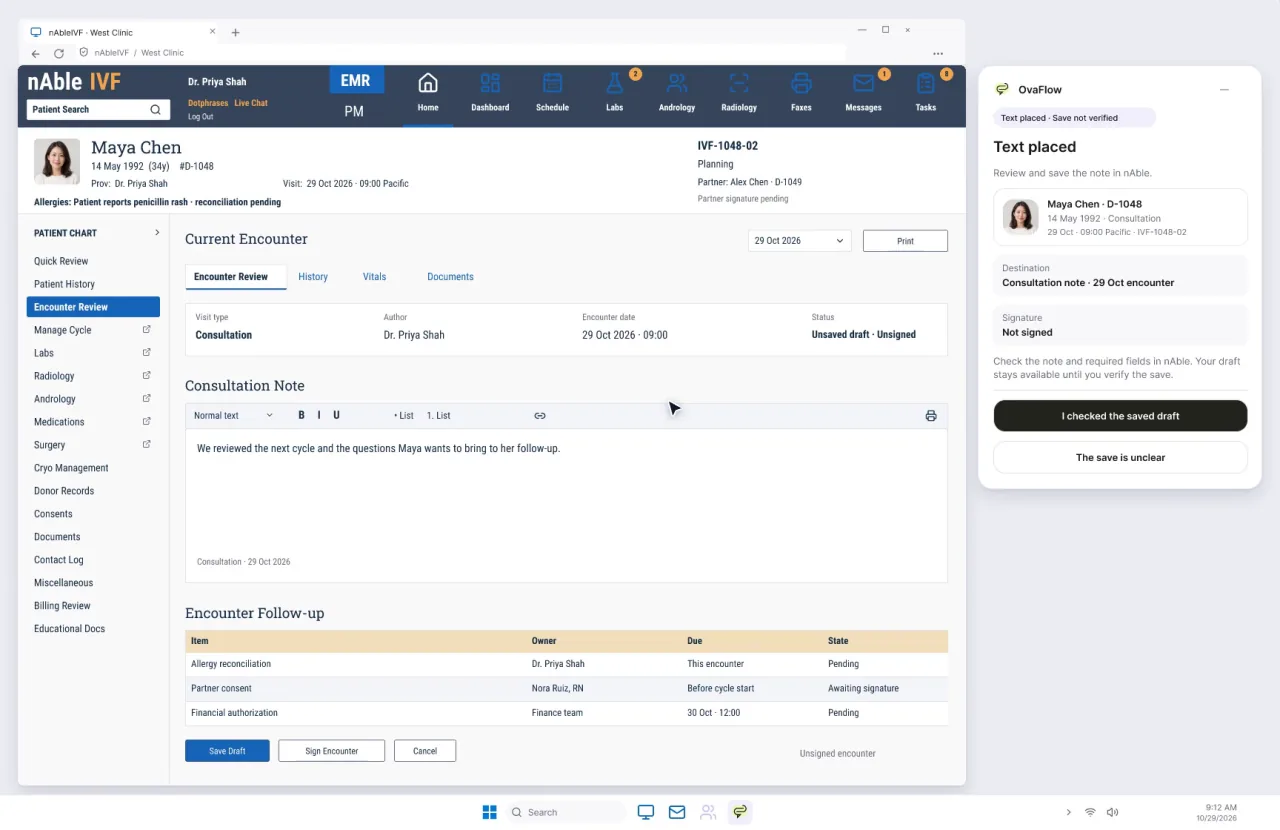
This three-stop tour (2:07 total) demonstrates the 384 px companion beside modeled nAbleIVF and eIVF V6 reference screens. Stop 1 (modeled nAbleIVF) reconciles Maya Chen's reported intake allergy, halts on a specimen label mismatch, and verifies Elena Rivera's Day 8 monitoring note save and portal send. Stop 2 (modeled eIVF) verifies note destination and save state, holds cycle start on a pending financial item, hands gonadotropin dose changes back to eIVF's own e-prescribing module, and stops on a PGT report identifier mismatch. Stop 3 returns to a modeled nAbleIVF consultation room to show consent-first visit capture, a privacy pause during the exam, and why 'Placed in field' never counts as 'Saved in chart' until the save check passes.
Grounded in published clinical and safety guidance [1][3][6][7][18][19].
3-stop nAbleIVF & eIVF tour: monitoring save checks, e-prescribing boundary, and consult capture
- 384 px beside nAbleIVFSpecimen stop + Save check
- 384 px beside eIVFEMR eRx boundary + PGT stop
- 384 px beside nAbleIVFSave check + Privacy pause
What OvaFlow coordinates across this tour
- Demonstrates save verification ('Placed' vs. 'Saved') beside modeled nAbleIVF and eIVF screens.
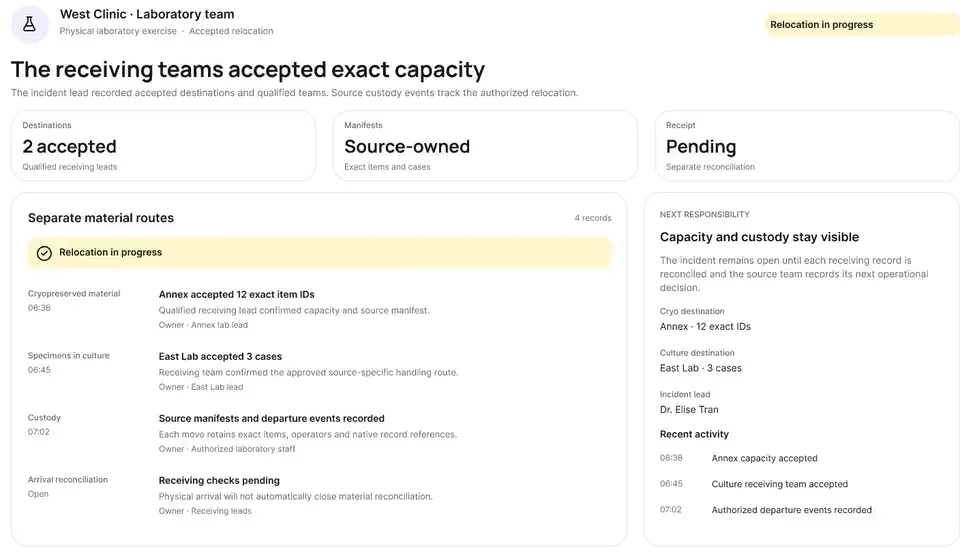
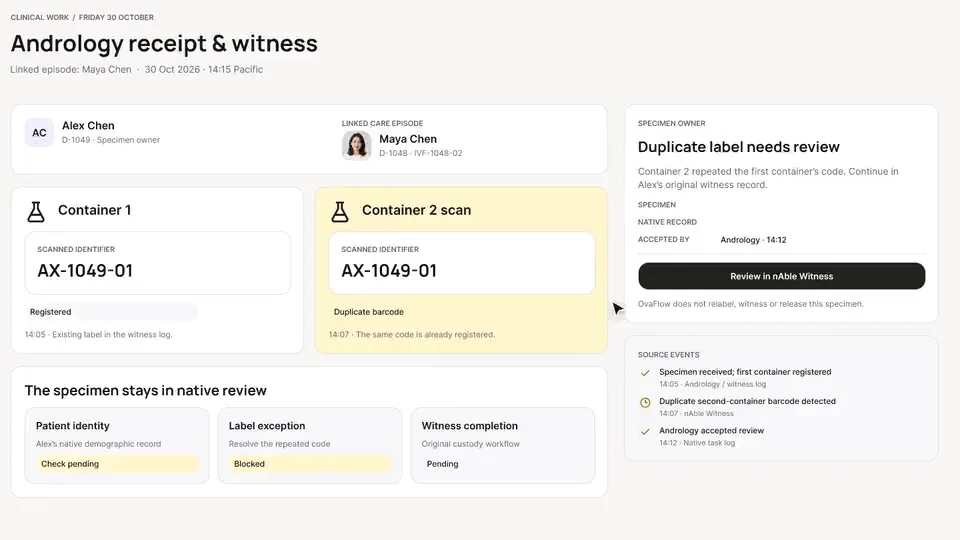
- Stops immediately on specimen label mismatches and PGT report identifier conflicts.
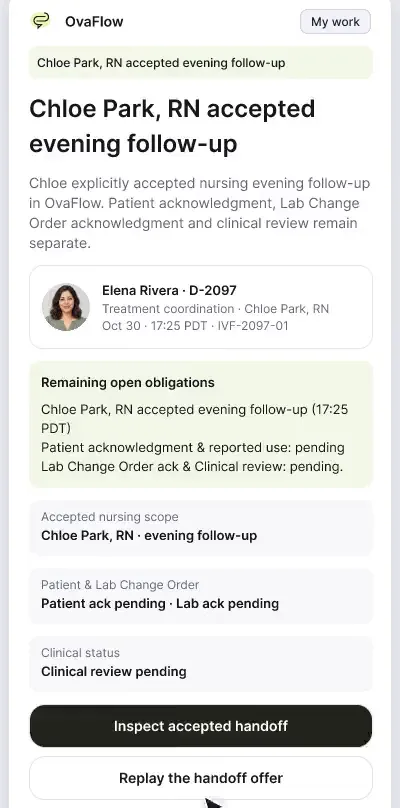
- Routes medication dose changes back to the EMR's own e-prescribing module and turns consult plans into owned nursing tasks.
What stays with clinicians & the clinic's own systems
- Does not claim a vendor affiliation, endorsement, or live connection to nAbleIVF or eIVF.
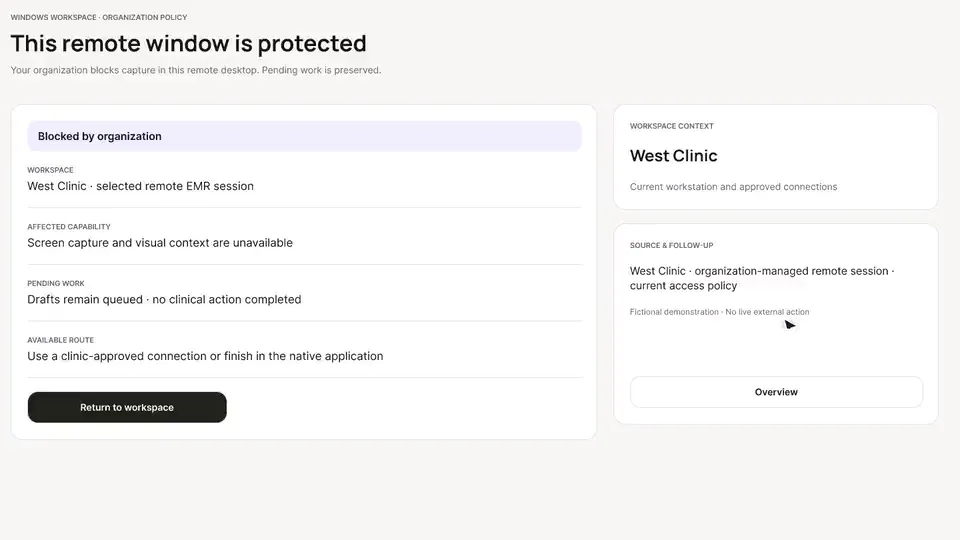
- Never replaces the EMR's e-prescribing, allergy banner, or laboratory accession database.
- Never marks a consultation or monitoring note saved before verifying persistence in the chart.
The sequence
Every stop, in order.
Clinics that run nAbleIVF or eIVF. Each walkthrough also has its own page with chapters, a full transcript and the pages it belongs to.
- 01
nAbleIVF: allergy check, monitoring note, save check, specimen stop
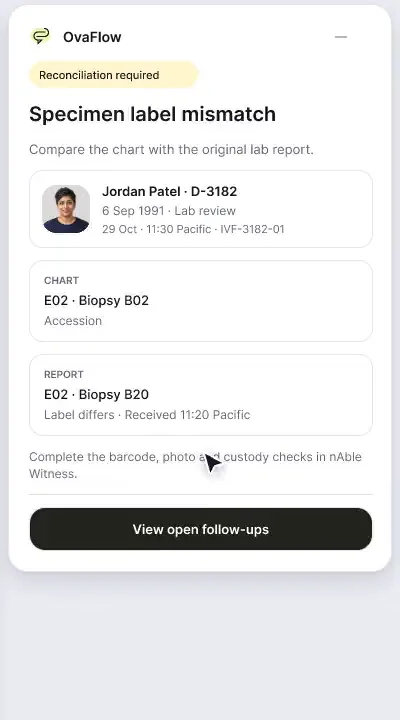
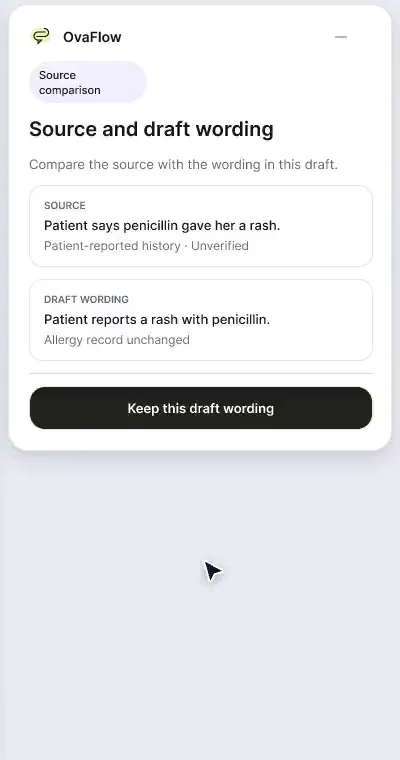
A patient-reported penicillin rash is surfaced against the chart, a monitoring note is confirmed saved rather than assumed, and a specimen label mismatch stops review.
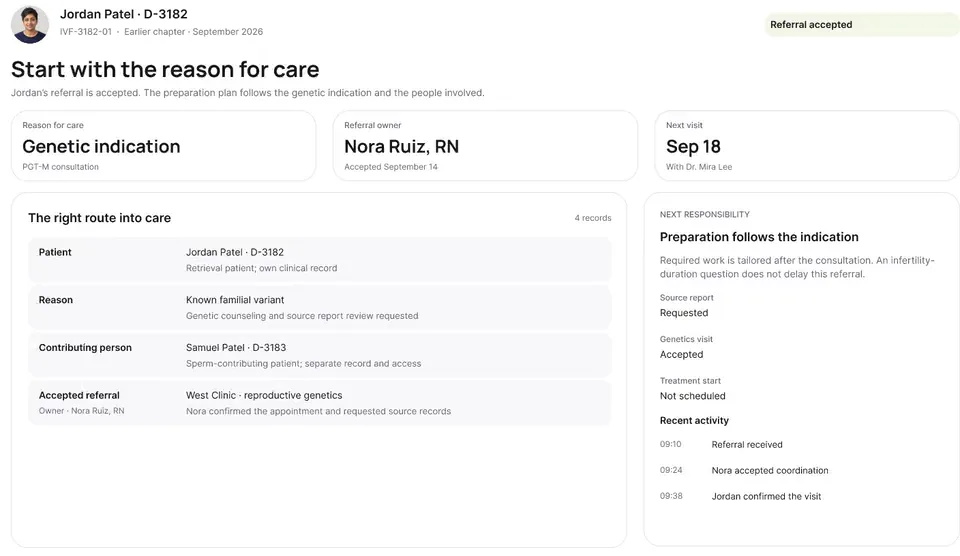
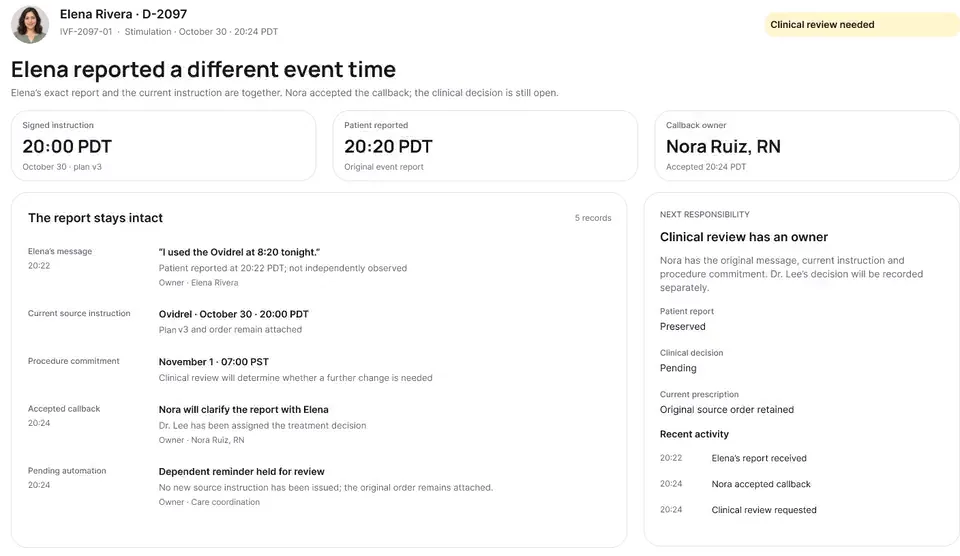
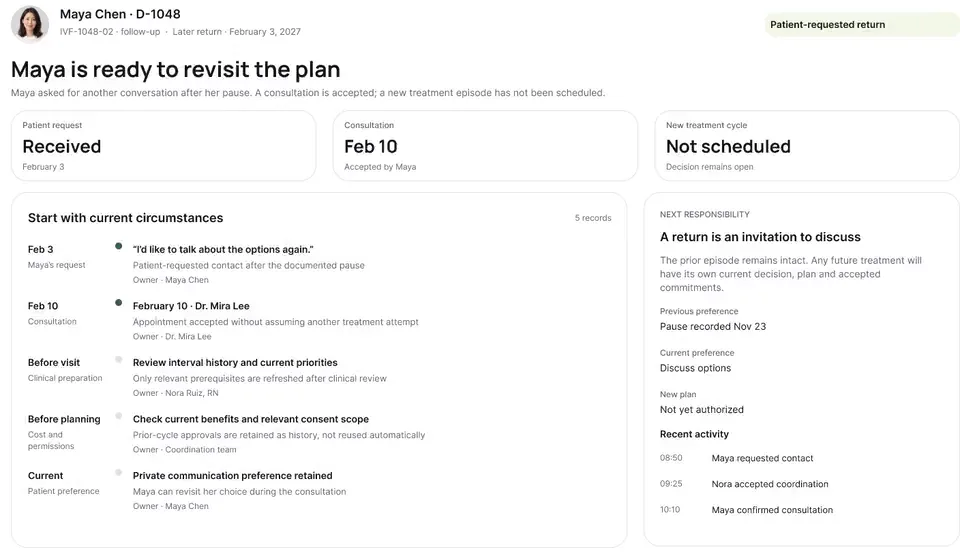
Shows morning intake and Day 8 monitoring beside a modeled nAbleIVF chart: flagging Maya Chen's reported allergy for clinician verification, stopping on a specimen label mismatch, and verifying Elena's saved Day 8 note and portal message.
What to watch for & handoff to next stop
Watch for: Watch the red stop banner when the specimen label disagrees with the active chart, and watch the two-step check on Elena's Day 8 note and portal history.
Handoff: Moves from morning monitoring in modeled nAbleIVF to pre-cycle readiness, e-prescribing, and PGT review in modeled eIVF.
- 02
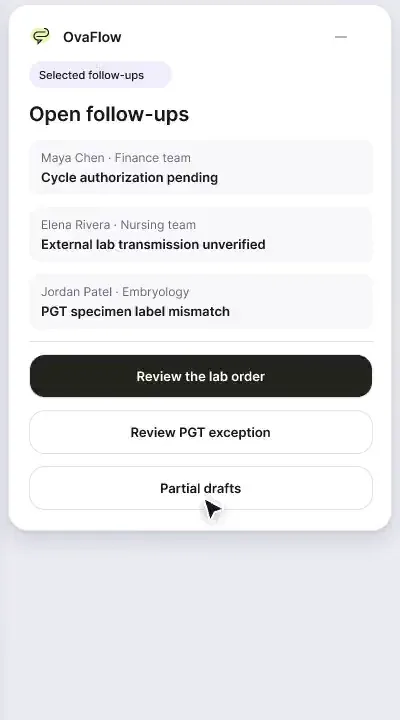
eIVF: note save, financial blocker, e-prescribing handoff, PGT stop
A note isn't done until it's saved, a cycle doesn't start with prior authorization unresolved, dose changes go to eIVF's own e-prescribing, and a PGT label mismatch stops the review.
Illustrates six safeguards beside a modeled eIVF screen: confirming note destination, checking the save, holding cycle start on a financial item, handing dose changes to eIVF e-prescribing, tracking outside labs, and stopping on a PGT label mismatch.
What to watch for & handoff to next stop
Watch for: Notice how clicking a dose change hands the clinician straight into the modeled eIVF e-prescribing workflow rather than opening a prescription pad in OvaFlow.
Handoff: Completes the daily monitoring view and enters the physician consultation room in Stop 3.
Show stops 3–3 in this tour (1 more walkthroughs)
- 03
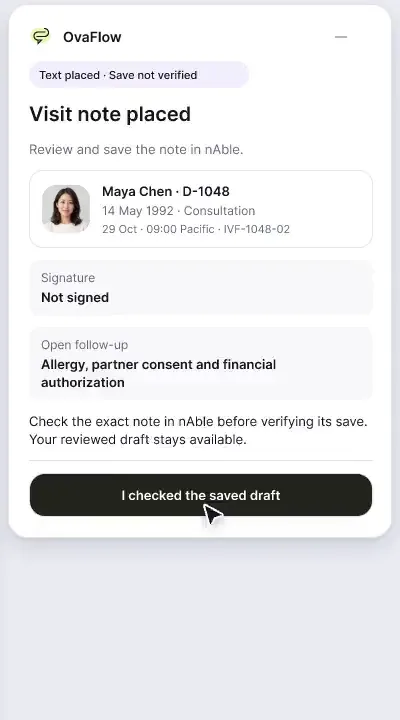
nAbleIVF: consult capture, pause, save check and a nursing task
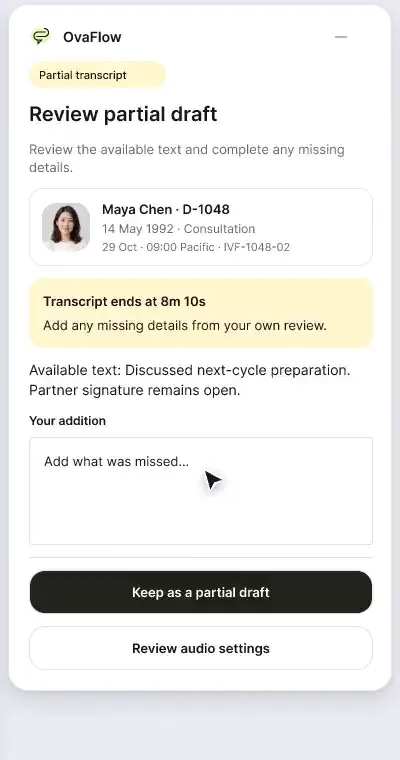
Consult notes captured with consent, paused for private moments, reviewed, then checked as saved rather than assumed.
Closes the loop with a full consultation workflow beside modeled nAbleIVF: consent-first capture, one-click pause for private exam moments, placing the reviewed draft, verifying the EMR save, and spawning owned nursing follow-up tasks.
What to watch for & handoff to next stop
Watch for: Watch the status badge move explicitly from 'Placed in field' to 'Save verified' only after the modeled nAbleIVF record commits.
Handoff: Completes the nAbleIVF & eIVF tour.
Tour FAQ
Questions about the nAbleIVF & eIVF clinics tour
Common questions from clinics that run nableivf or eivf reviewing this sequence.
Why does OvaFlow hand medication changes back to eIVF's e-prescribing screen?
Because drug-allergy checks, formulary rules, and electronic pharmacy transmission belong inside the clinic's EMR e-prescribing module. OvaFlow tracks the coordination tasks around the change without acting as a prescriber.
How are nAbleIVF and eIVF represented in these recordings?
They are modeled workflow examples (including an eIVF V6 reference layout) built with fictional patient records to show how the 384 px companion is designed to sit beside the chart.
What happens if a clinician places a consult note into nAbleIVF and closes the browser before clicking Save?
Because OvaFlow tracks 'Placed in field' separately from 'Saved in chart', the item remains flagged as unverified in the companion rather than disappearing as completed.
Other tours
Pick another path.
Executive overview
Practice leaders and medical directorsArtisan clinics
Clinics that run ArtisanWorkstation, messaging & recovery
Operations, IT and nursing leads
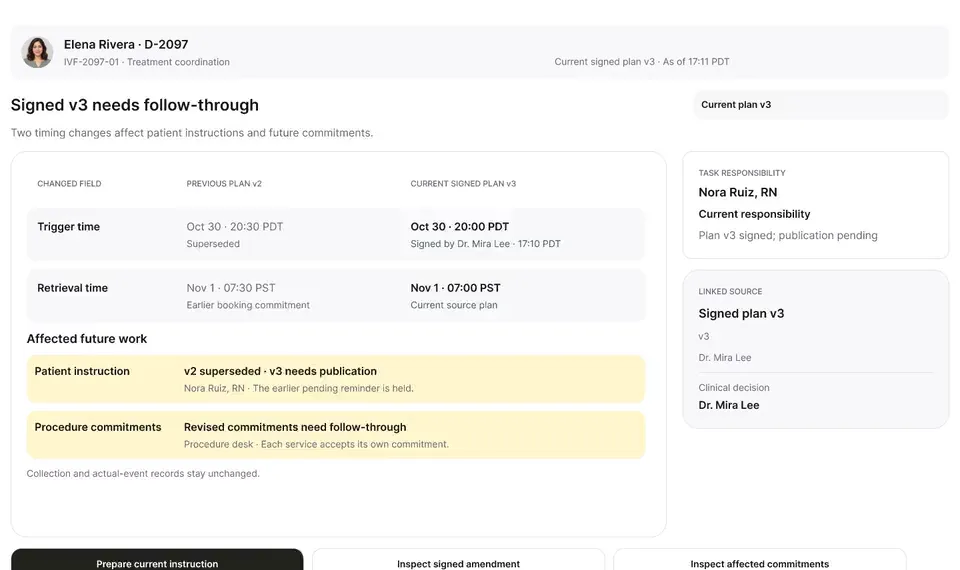
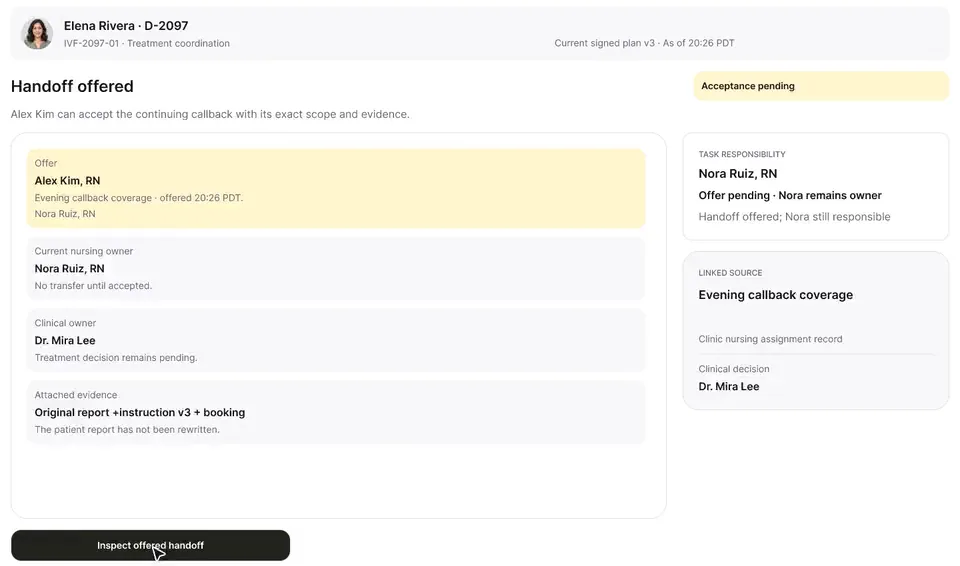
Show 3 more guided tours (Mobile & Watch · Patient experience · Lab, cryo & pharmacy)
Next step
Seen the recordings? Walk it with us.
A guided walkthrough of the design prototype, paced around your questions and your team's day. Fictional records only; please don't send patient data.